> ## Documentation Index
> Fetch the complete documentation index at: https://docs.helpgenie.ai/llms.txt
> Use this file to discover all available pages before exploring further.
# Inbox, Threads & Search
> Browse, organize, and search your mail directly
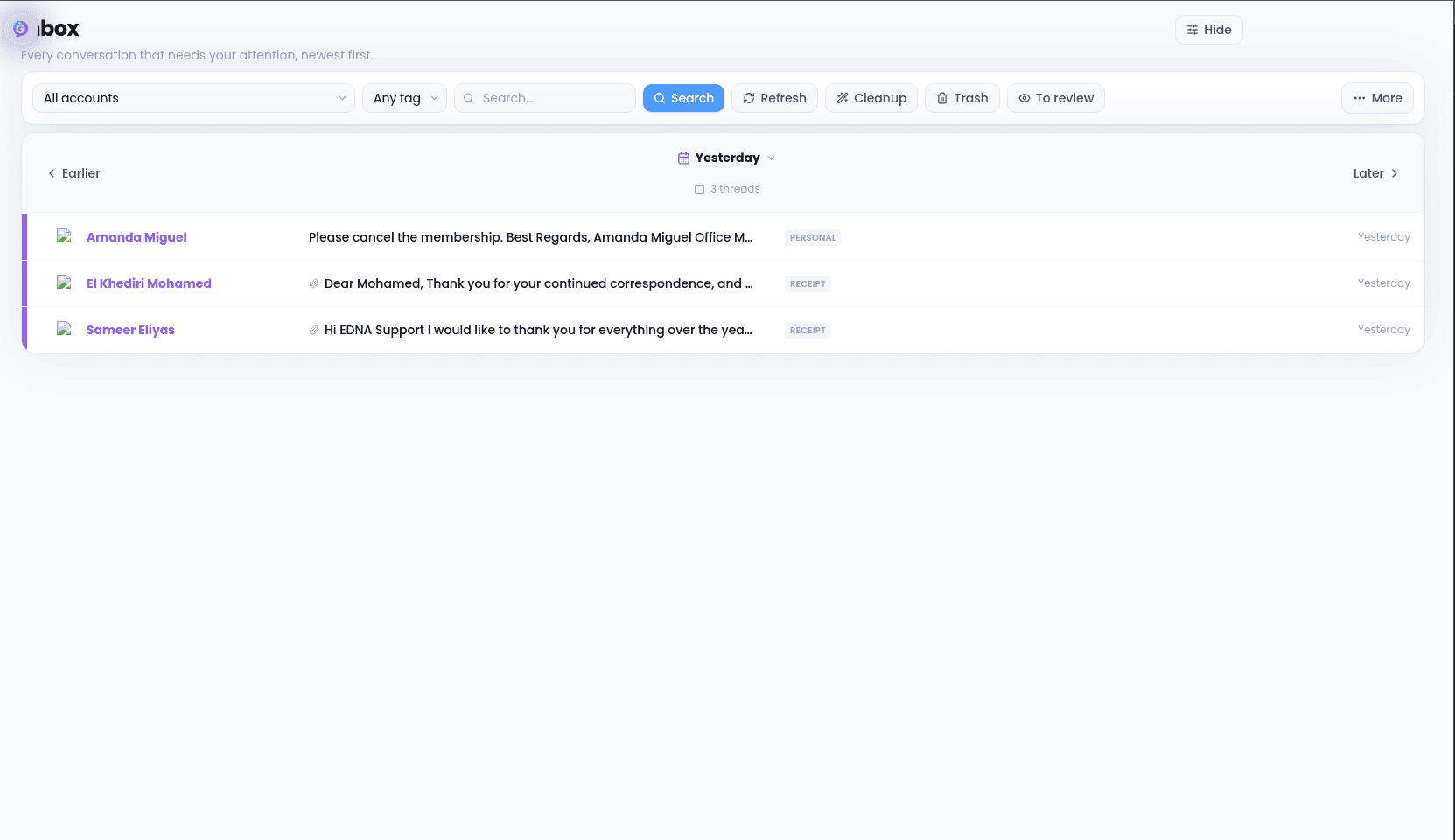
Alongside the Genie feed, you have a traditional inbox for browsing and managing mail directly.
## Reading mail
Open the **Inbox** tab to see your conversations, newest first. Click any conversation to read the full thread.
 ## Organizing mail
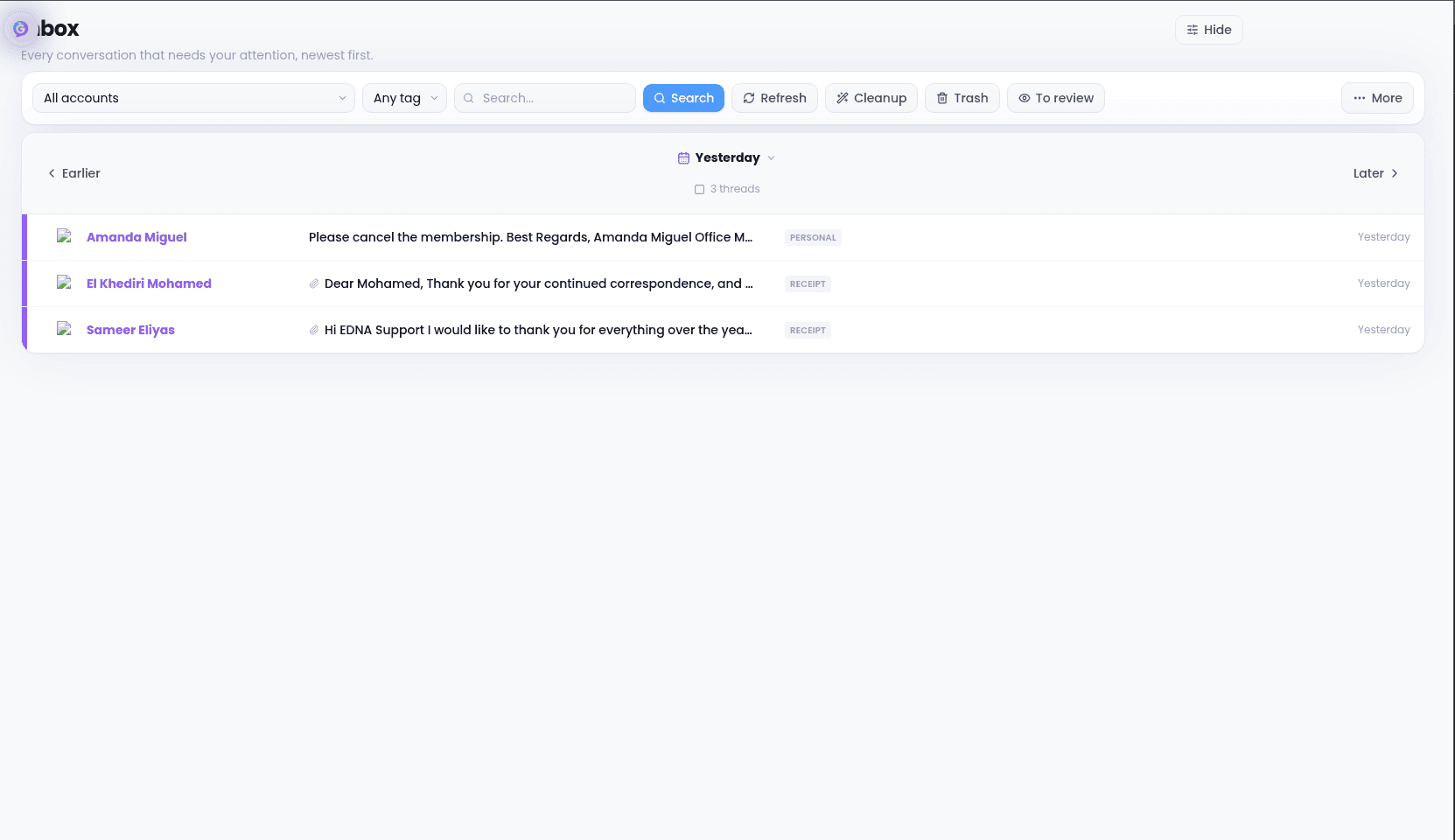
* **Archive** a thread to clear it from your inbox while keeping it searchable
* **Snooze** a thread to have it reappear at a time you choose
* **Trash** a thread to delete it (recoverable from Trash)
## Searching
Use **Search** to find messages by sender, subject, or content across your entire mailbox.
## Organizing mail
* **Archive** a thread to clear it from your inbox while keeping it searchable
* **Snooze** a thread to have it reappear at a time you choose
* **Trash** a thread to delete it (recoverable from Trash)
## Searching
Use **Search** to find messages by sender, subject, or content across your entire mailbox.