> ## Documentation Index
> Fetch the complete documentation index at: https://docs.helpgenie.ai/llms.txt
> Use this file to discover all available pages before exploring further.
# Getting Started
> Your first-run walkthrough
The first time you sign in, you'll see a short walkthrough that introduces the Genie feed and helps you connect your email account.
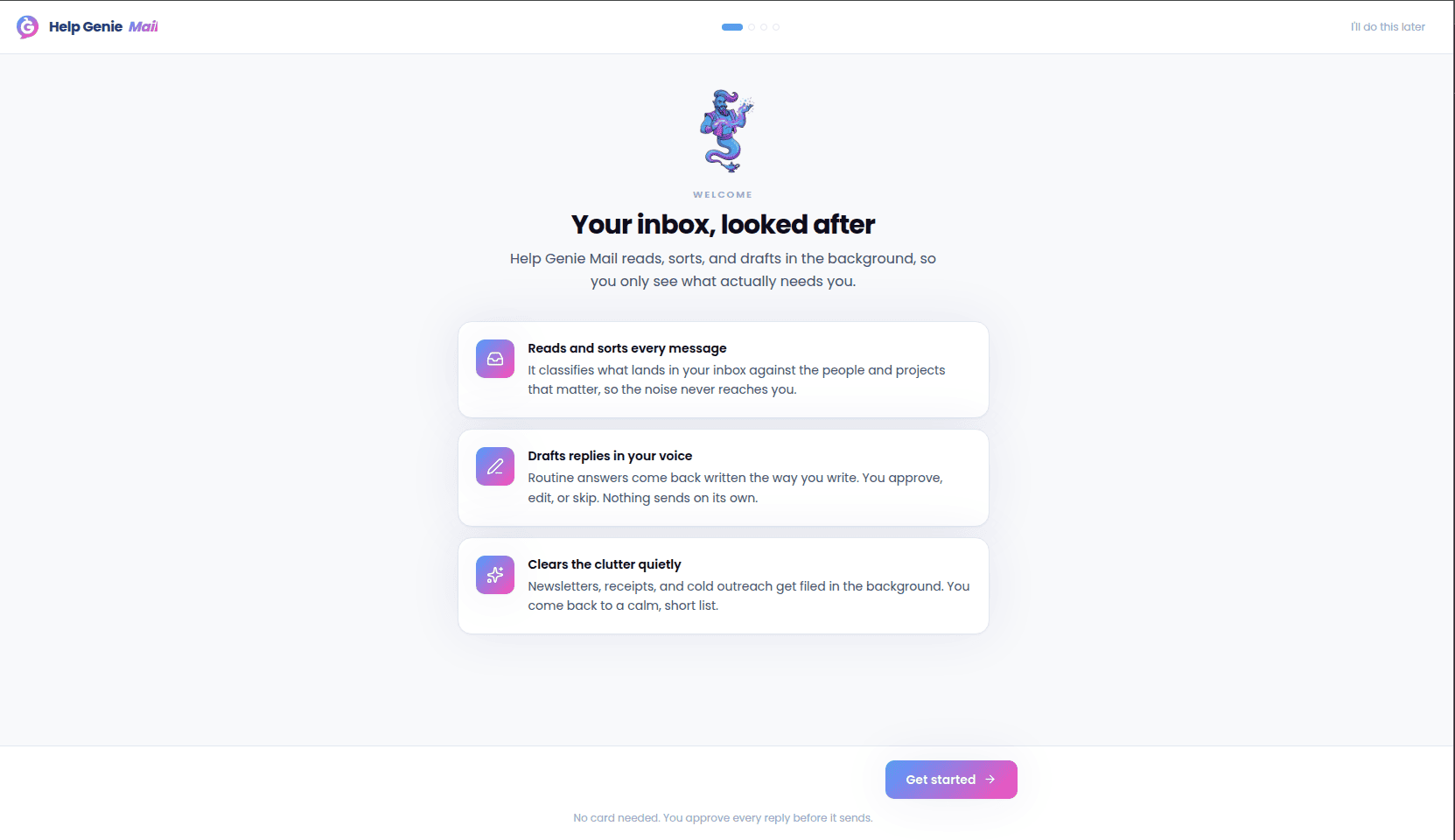 Follow the steps to connect your account and set a few initial preferences. Once you finish or skip it, you can revisit anything it covered later from **Settings**.