> ## Documentation Index
> Fetch the complete documentation index at: https://docs.helpgenie.ai/llms.txt
> Use this file to discover all available pages before exploring further.
# Campaigns
> Create, launch, and monitor outbound calling campaigns
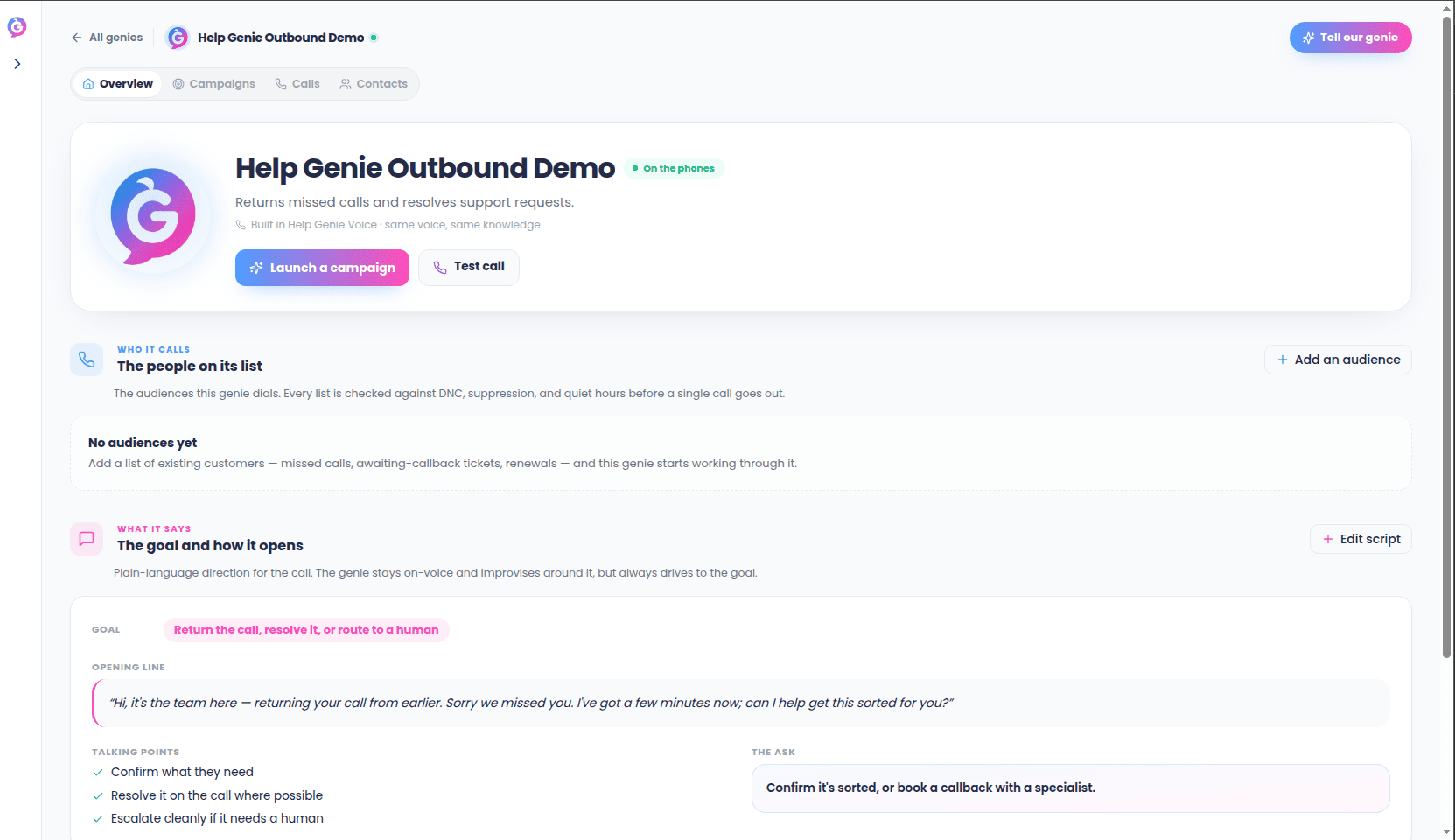
A campaign is a batch of outbound calls with a shared purpose — for example, "confirm
next week's appointments" or "follow up on last month's support tickets." Each campaign
has its own audience, script, and schedule.
## Creating a campaign
From your Genie's **Campaigns** tab, choose **New Campaign**:
1. **Audience** — upload a contact list or pick an existing one. Every contact must
already have a relationship with your business.
2. **Script overlay** — set the greeting, the questions to capture during the call, and
where to transfer the contact if they ask for a person.
3. **Schedule** — call now, or schedule a window. Outbound respects contact time-zone
and quiet-hours rules automatically.
 ## Compliance checklist
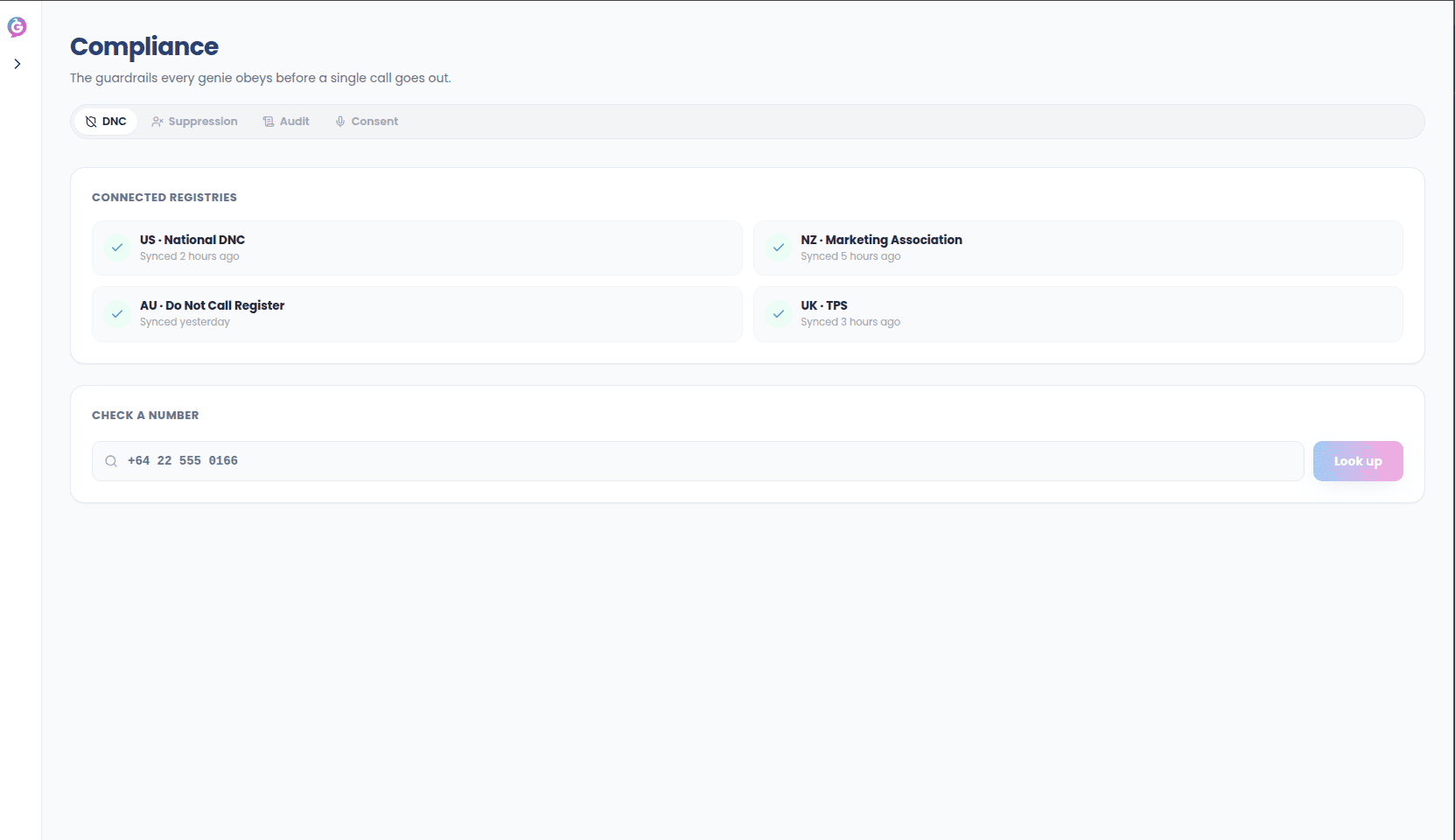
Before a campaign can move from **Draft** to **Scheduled**, you must confirm a short
checklist confirming the audience has an existing relationship with your business and
has been checked against opt-outs.
## Compliance checklist
Before a campaign can move from **Draft** to **Scheduled**, you must confirm a short
checklist confirming the audience has an existing relationship with your business and
has been checked against opt-outs.
 ## Monitoring a live campaign
Once launched, the **Calls** tab shows each call's status in real time — ringing,
connected, completed, or blocked. A blocked call means the contact was already on a
do-not-call or opt-out list.
## After a campaign finishes
Each completed call has a disposition (e.g. "reached — resolved," "no answer," "opted
out") and a summary, viewable from the campaign's **Calls** tab or rolled up in
**Reports**.
## Monitoring a live campaign
Once launched, the **Calls** tab shows each call's status in real time — ringing,
connected, completed, or blocked. A blocked call means the contact was already on a
do-not-call or opt-out list.
## After a campaign finishes
Each completed call has a disposition (e.g. "reached — resolved," "no answer," "opted
out") and a summary, viewable from the campaign's **Calls** tab or rolled up in
**Reports**.