> ## Documentation Index
> Fetch the complete documentation index at: https://docs.helpgenie.ai/llms.txt
> Use this file to discover all available pages before exploring further.
# Signing In
> Sign in to Help Genie Outbound
## Magic link sign-in
Go to the sign-in page and enter your email address. Choose **Send magic link** and
Outbound emails you a one-time link — no password needed. Click the link on the same
device to sign in.
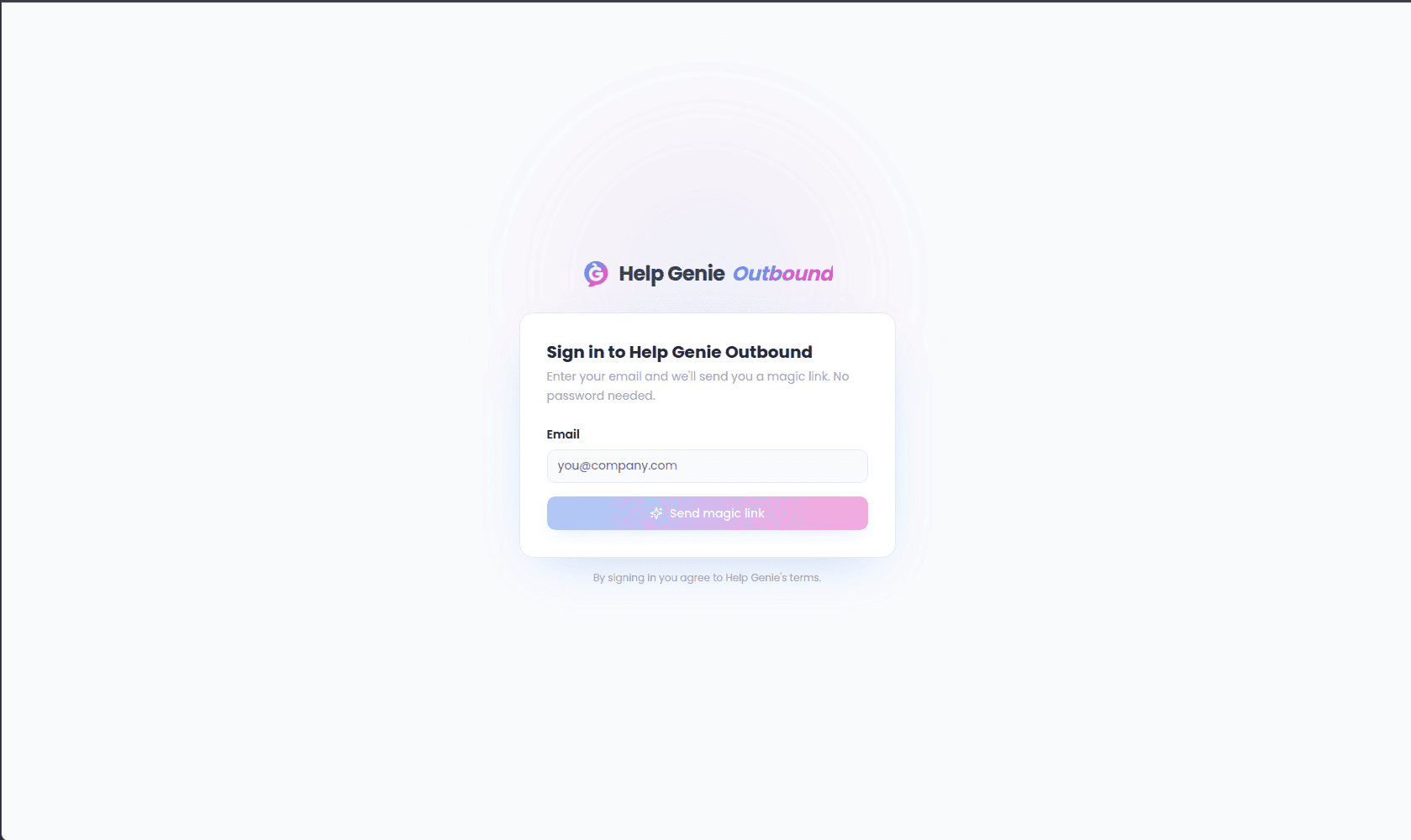 While you wait, the page confirms it sent the email; you can choose **Use a different
email** to restart with a different address.
## Signing in from Help Genie Voice
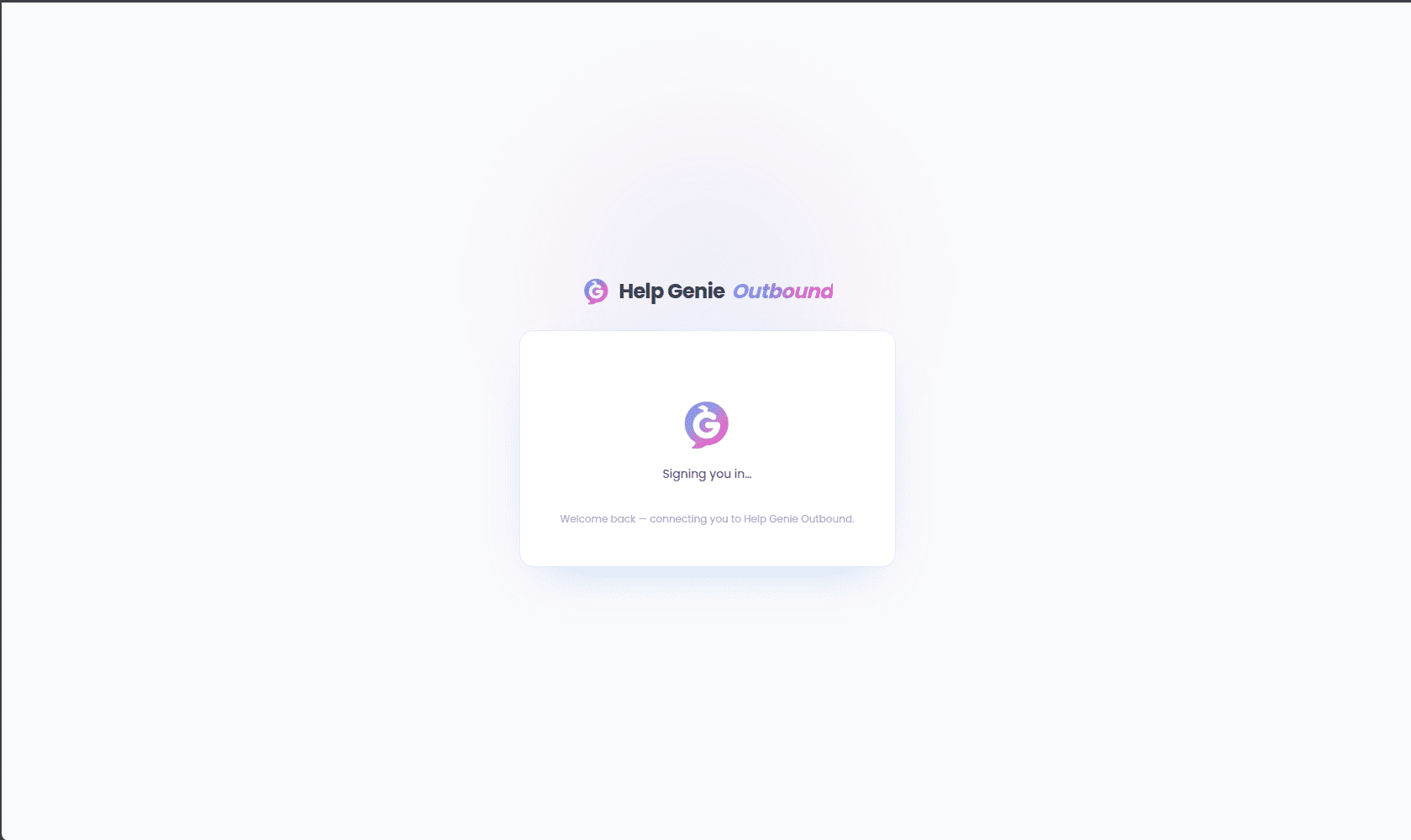
If you arrive at Outbound from Help Genie Voice (or already have an active Voice
session), sign-in happens automatically — you'll briefly see a "Signing you in…" screen
while your session is exchanged, then land straight in Outbound with no extra steps.
While you wait, the page confirms it sent the email; you can choose **Use a different
email** to restart with a different address.
## Signing in from Help Genie Voice
If you arrive at Outbound from Help Genie Voice (or already have an active Voice
session), sign-in happens automatically — you'll briefly see a "Signing you in…" screen
while your session is exchanged, then land straight in Outbound with no extra steps.
 If that automatic link has expired or is invalid, you're shown an error and can fall
back to the magic-link form above.
If that automatic link has expired or is invalid, you're shown an error and can fall
back to the magic-link form above.