> ## Documentation Index
> Fetch the complete documentation index at: https://docs.helpgenie.ai/llms.txt
> Use this file to discover all available pages before exploring further.
# Activity & Replay
> See everything your genie has done, and retry anything that failed.
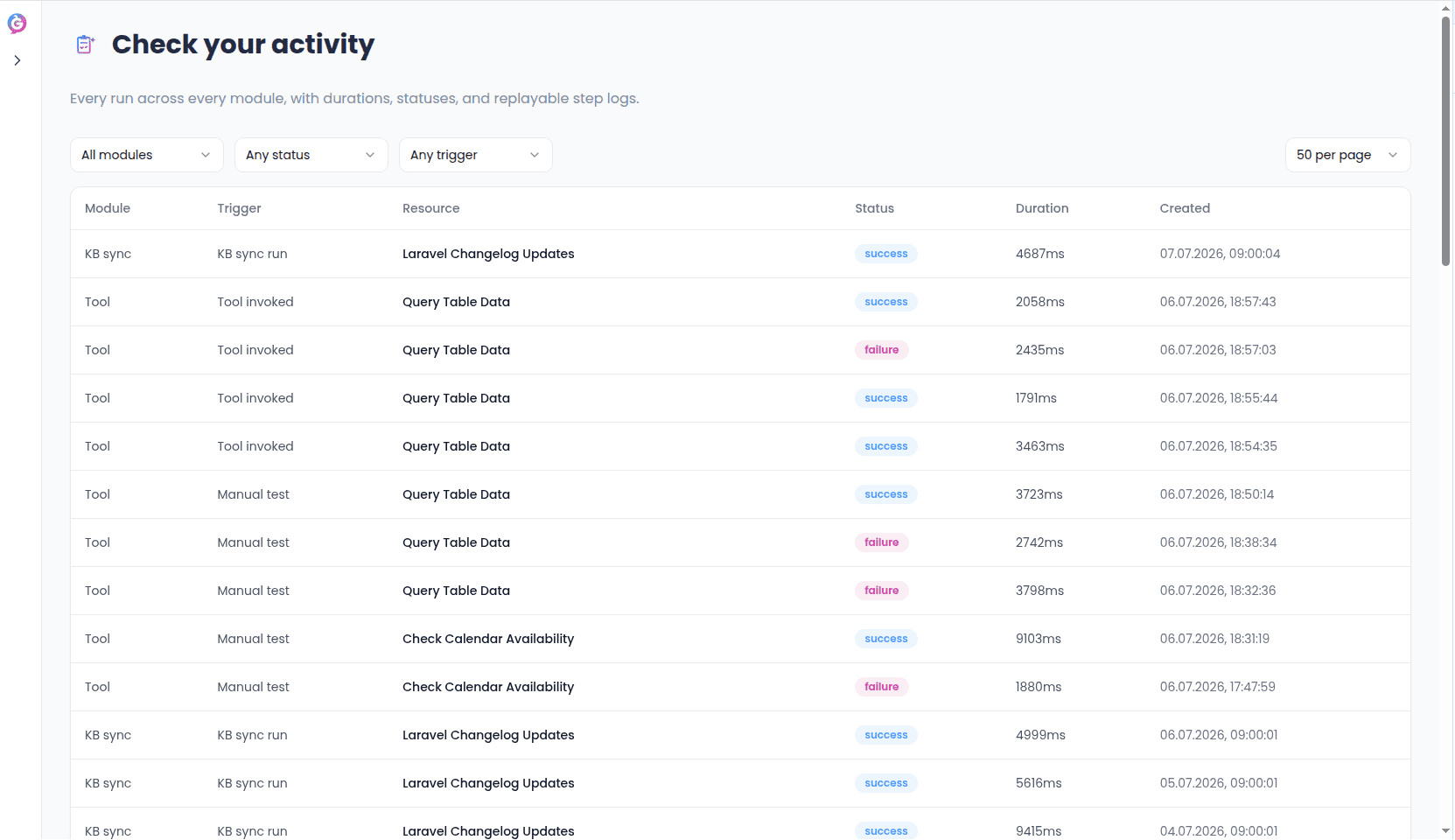
The Activity log is your record of everything that's happened across knowledge syncs, live lookups, and post-call actions — one place to confirm things are working, and to catch anything that isn't.
## What you'll see
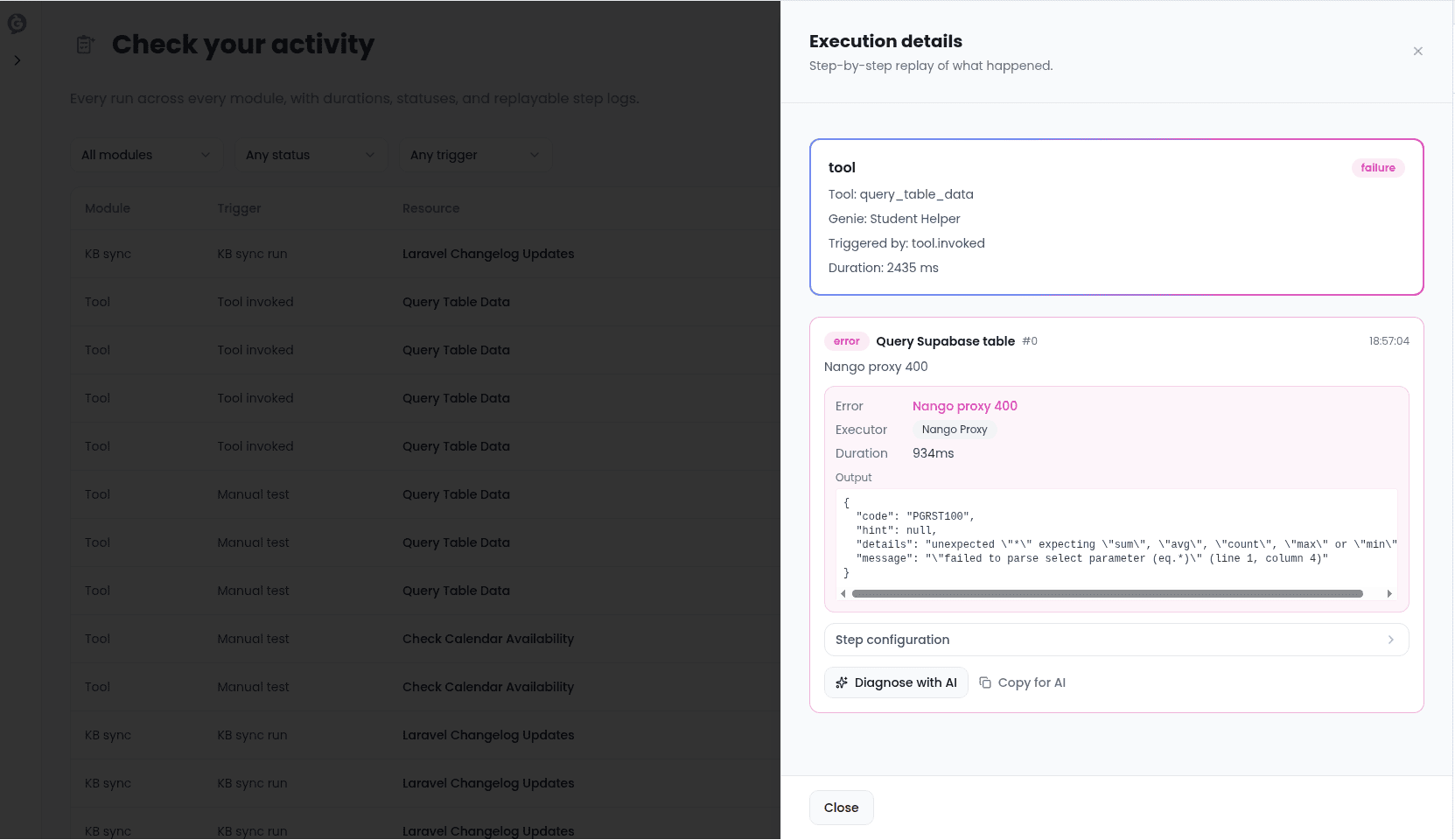
Every run shows what kind of activity it was, when it happened, whether it succeeded, and how long it took. Failed runs show why they failed in plain language, so you usually don't need to dig further to know what to fix.
 ## Replaying a failed run
If something fails — a knowledge sync couldn't reach its source, a post-call action's connection had expired — you can fix the underlying issue and hit **Replay** to run it again immediately, without waiting for its next scheduled run.
## Replaying a failed run
If something fails — a knowledge sync couldn't reach its source, a post-call action's connection had expired — you can fix the underlying issue and hit **Replay** to run it again immediately, without waiting for its next scheduled run.
 ## Per-genie activity
Each genie also has its own **Activity** tab, showing a timeline of that specific genie's calls and syncs, so you can see the full story of one genie's day without filtering through everyone else's.
## Call detail
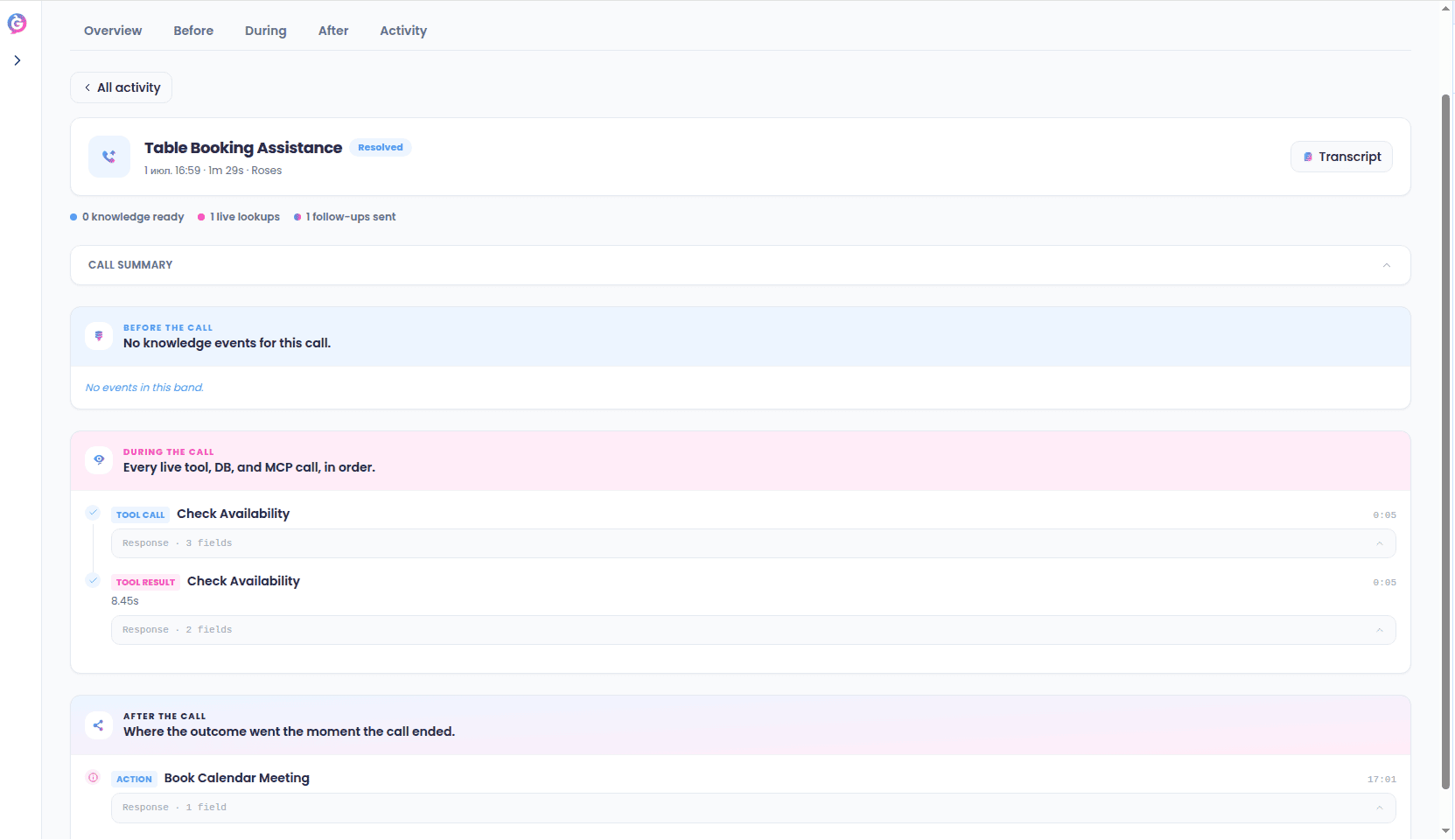
Click into any call to see it broken down by Before, During, and After — what knowledge it drew from, what it looked up mid-call, and what happened once it ended. This is the fastest way to understand exactly what a genie did on a specific call.
## Per-genie activity
Each genie also has its own **Activity** tab, showing a timeline of that specific genie's calls and syncs, so you can see the full story of one genie's day without filtering through everyone else's.
## Call detail
Click into any call to see it broken down by Before, During, and After — what knowledge it drew from, what it looked up mid-call, and what happened once it ended. This is the fastest way to understand exactly what a genie did on a specific call.