> ## Documentation Index
> Fetch the complete documentation index at: https://docs.helpgenie.ai/llms.txt
> Use this file to discover all available pages before exploring further.
# Post-Call Actions
> Automatically follow up the moment a call ends.
Post-call actions are things that happen automatically right after a call wraps up — the follow-up work a human agent would otherwise have to do by hand.
## Common actions
* **Log a note in your CRM** — HubSpot, Salesforce, or similar, so every call leaves a trail.
* **Post a summary to your team** — a Slack message with the call recap and outcome.
* **Add a calendar event** — for calls that end in a scheduled follow-up.
* **Send a recap email** — a friendly summary sent straight to the caller.
* **Trigger a webhook** — for anything else your own systems need to react to.
 ## Setting one up
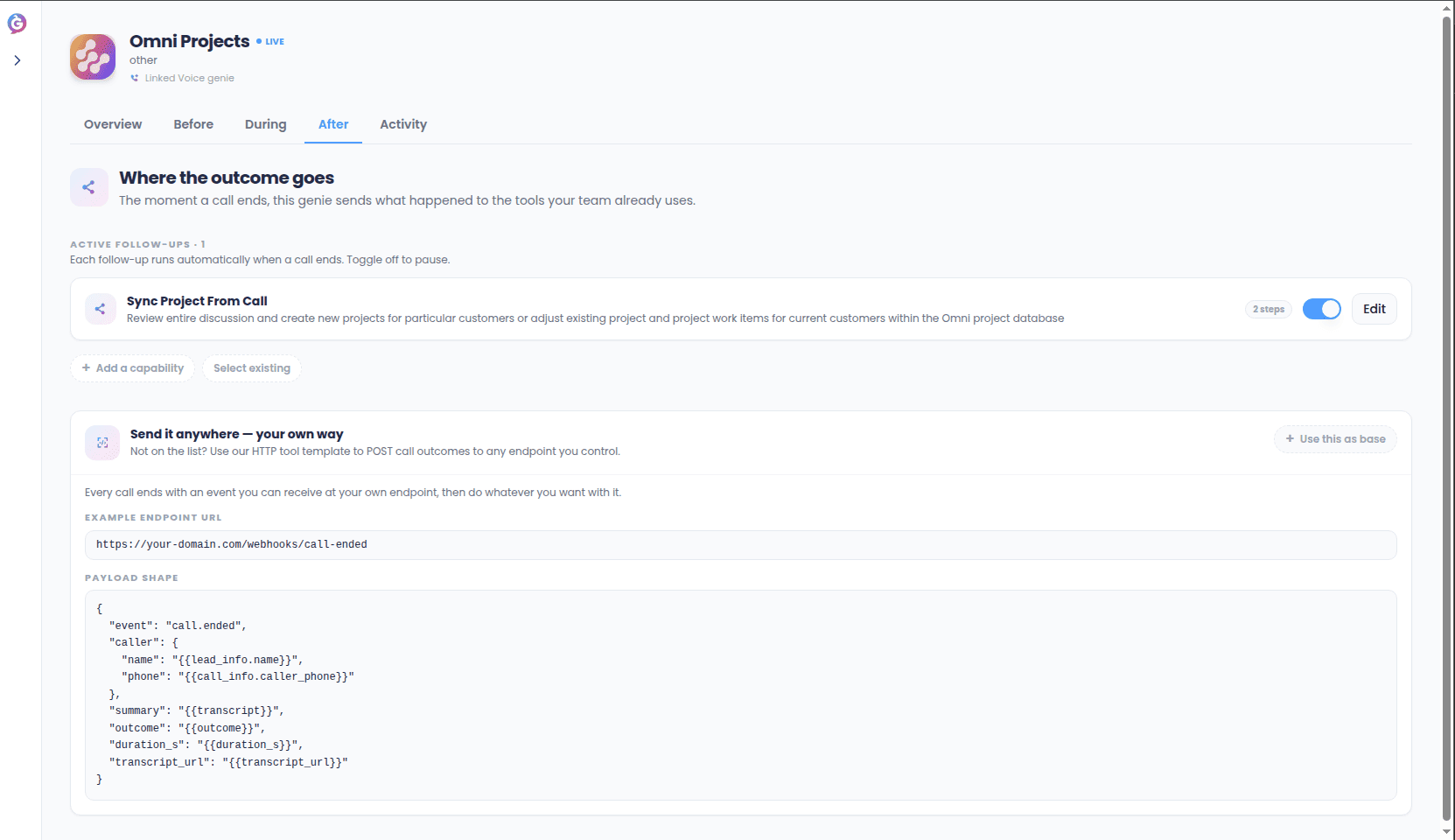
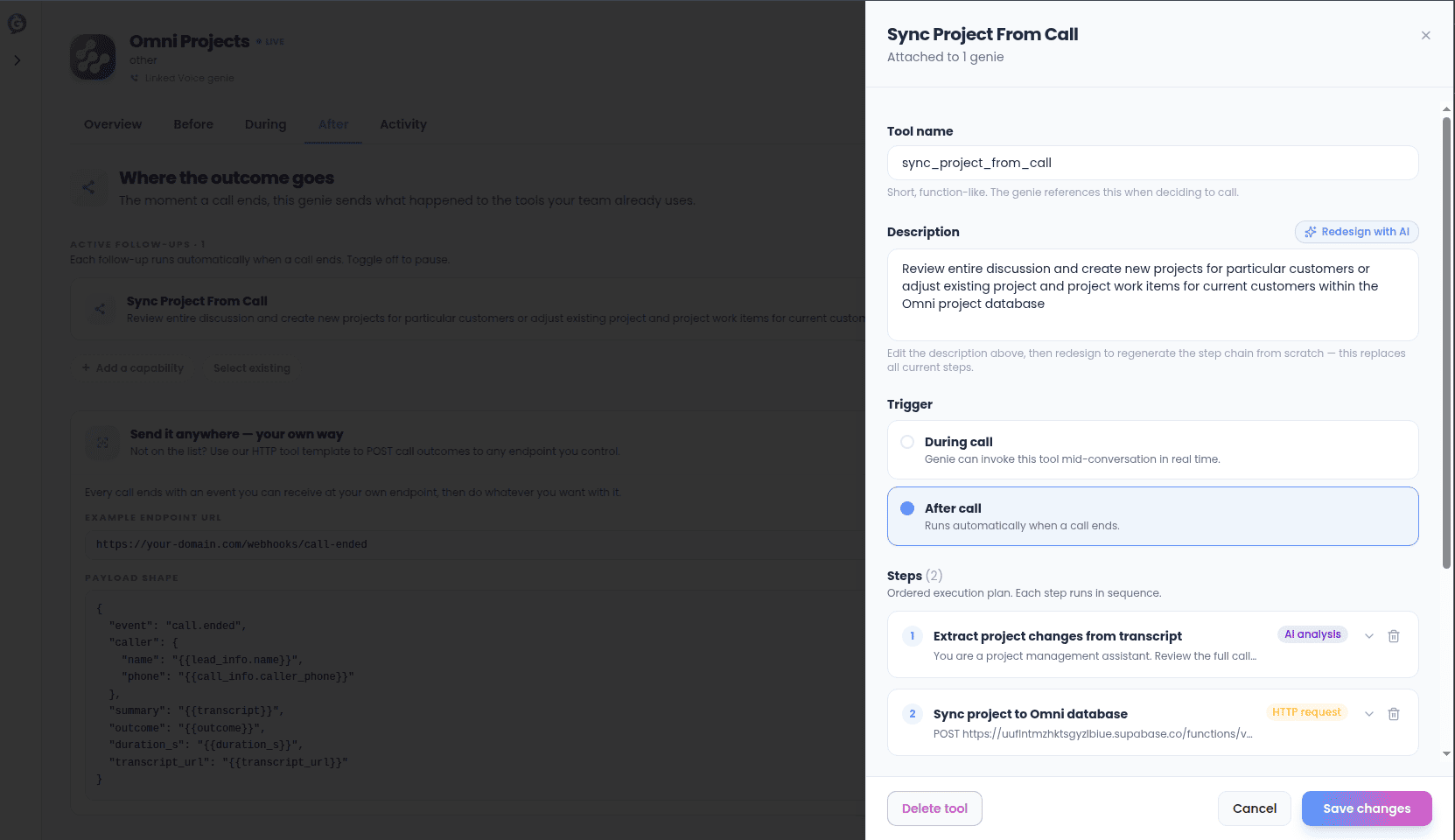
Post-call actions live on your genie's **After** tab. Each one is tied to a [connection](/sync-guide/connections) and runs automatically once a call ends — nothing to trigger manually.
## Setting one up
Post-call actions live on your genie's **After** tab. Each one is tied to a [connection](/sync-guide/connections) and runs automatically once a call ends — nothing to trigger manually.
 ## For developers on your team
If your team wants to build something more custom on top of a call ending, the After tab also exposes a raw webhook URL and the exact shape of the data it sends — useful if you're wiring call outcomes into a system Sync doesn't support out of the box yet.
## Checking what happened
Every post-call action's run shows up in your [Activity log](/sync-guide/activity-and-replay), so you can always confirm a CRM note actually landed, or a Slack message actually sent.
## For developers on your team
If your team wants to build something more custom on top of a call ending, the After tab also exposes a raw webhook URL and the exact shape of the data it sends — useful if you're wiring call outcomes into a system Sync doesn't support out of the box yet.
## Checking what happened
Every post-call action's run shows up in your [Activity log](/sync-guide/activity-and-replay), so you can always confirm a CRM note actually landed, or a Slack message actually sent.