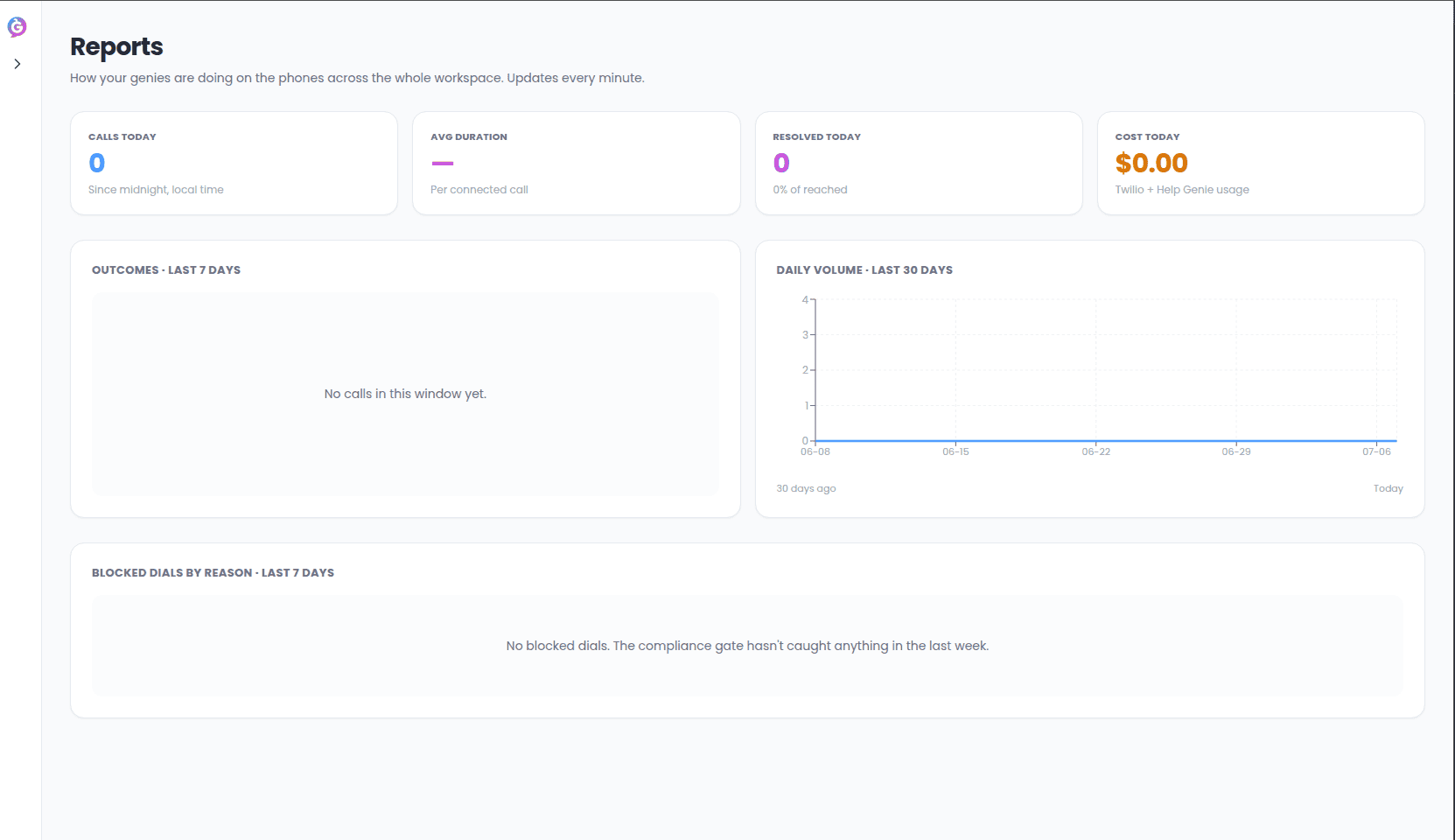
Outbound is not a cold-calling or sales-prospecting tool: every call assumes you
already have a relationship with the person being called.
Before you start
You’ll need:- A Genie already built in Help Genie Voice, with a voice and knowledge base.
- A list of contacts to call (a CSV of existing customers).
- A phone number assigned to that Genie for outbound calls.
First-time setup: the welcome flow
The first time you visit Outbound, you’re walked through a short setup at/welcome:
1
Welcome
An introduction to what Outbound does: it works a list, stays on-voice while driving
to a goal, and uses the same knowledge base as your inbound Genie.
2
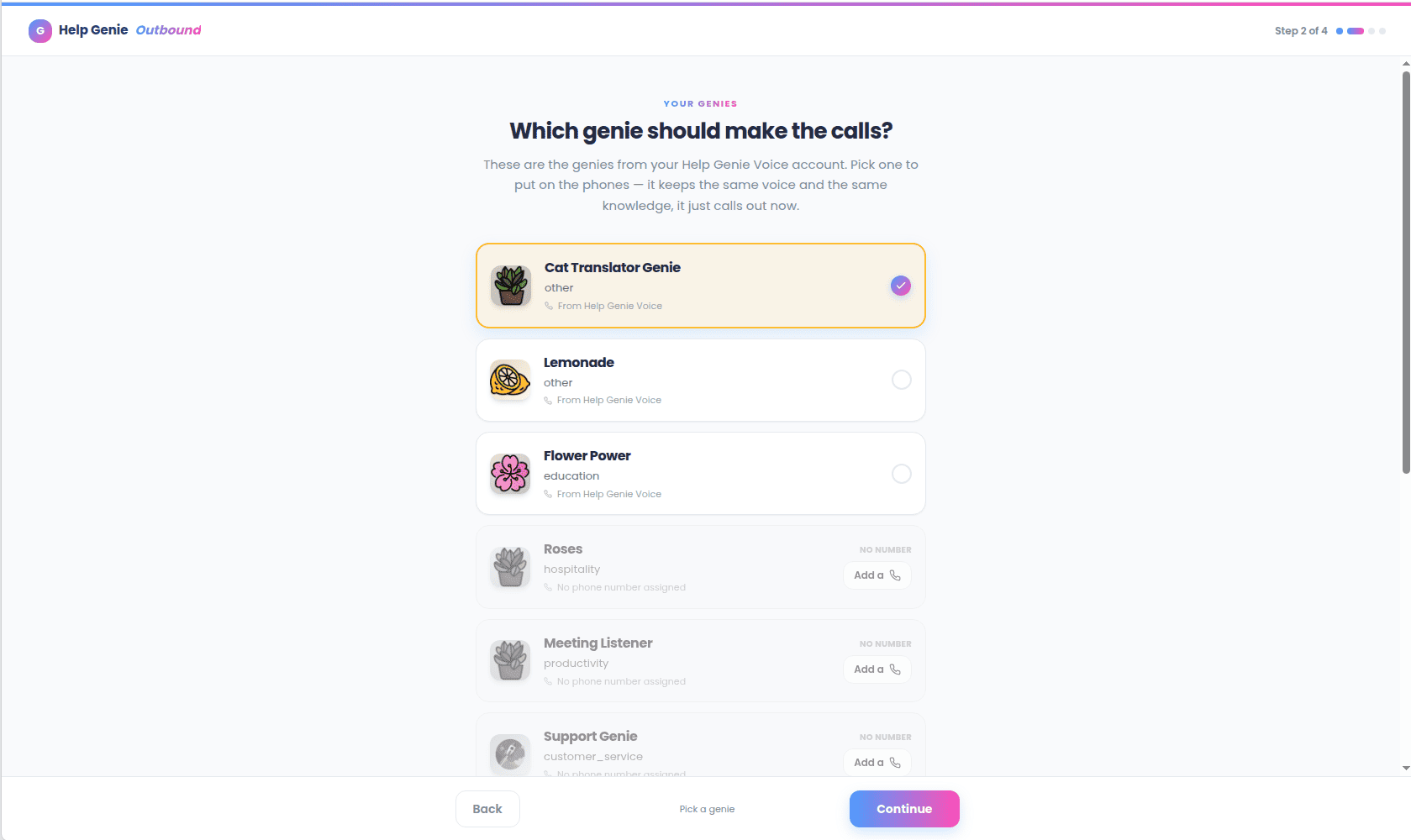
Pick a genie
Choose which of your Voice genies goes on the phones. It keeps the same voice and
knowledge; it just calls out now.
3
Give it a job
Pick who it calls (an existing contact list, or import one) and what it’s there to do
(a goal template, for example confirm a renewal or follow up on a ticket).
4
Ready to start calling
A review screen restating the job in plain language, plus the compliance checklist
(do-not-call screening, quiet hours, concurrency and spend guardrails). Choosing
Start calling takes you to that Genie’s launch screen to confirm and start the
campaign.
Your first campaign
Once your Genie is set up, campaigns are launched from its Campaigns tab (or the Launch a campaign button on its Overview tab):1
Open the launch screen
Open your Genie and choose Launch a campaign.
2
Check the audience
Review the audience, swap lists if needed, and check the callable count.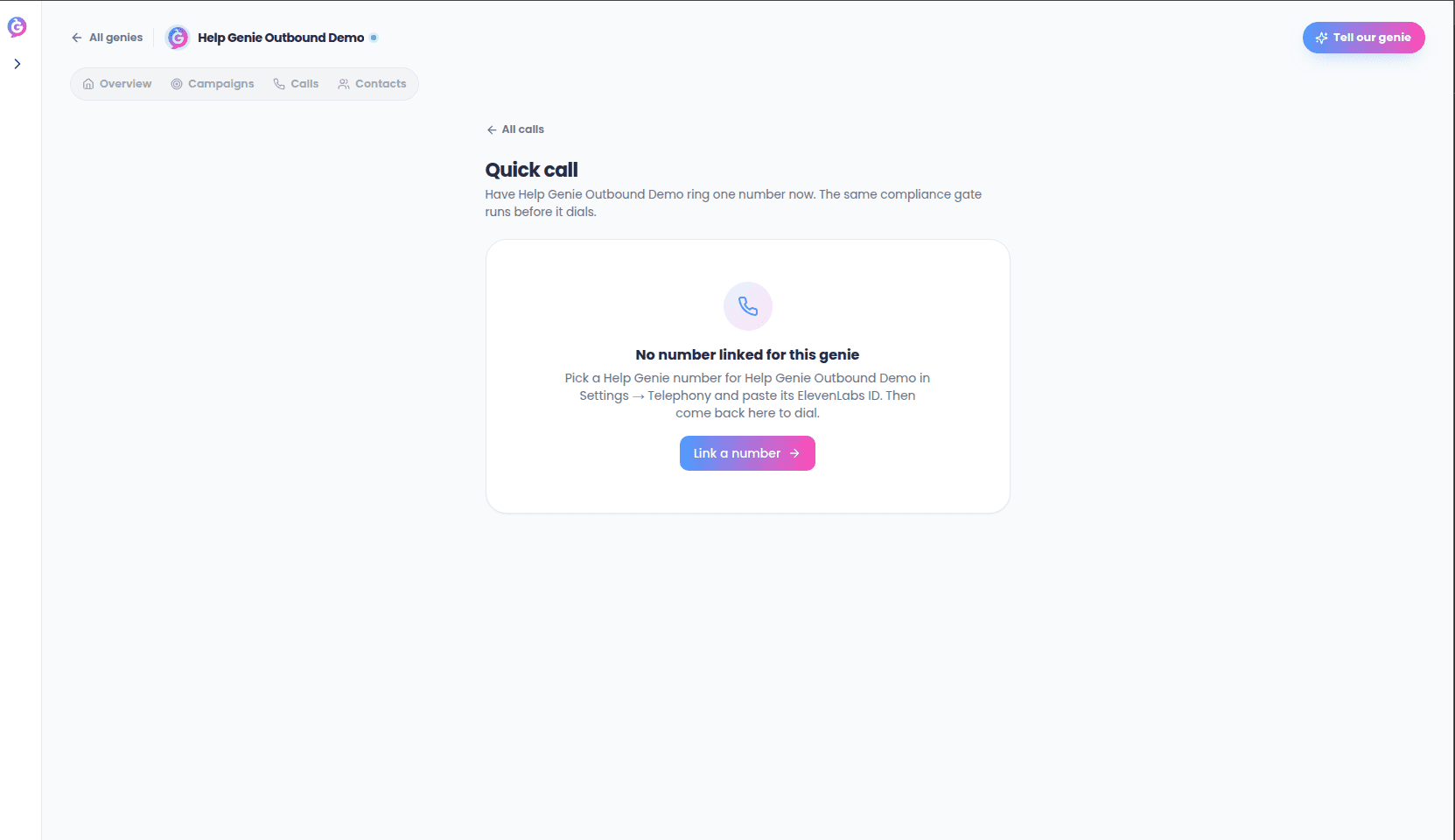
3
Check the goal and opening line
Review the goal and opening line, editing the script if needed.
4
Check the schedule and limits
Review the calling window, daily call cap, and max attempts, adjusting if needed.
5
Confirm and start
Confirm the compliance attestation, then choose Start calling.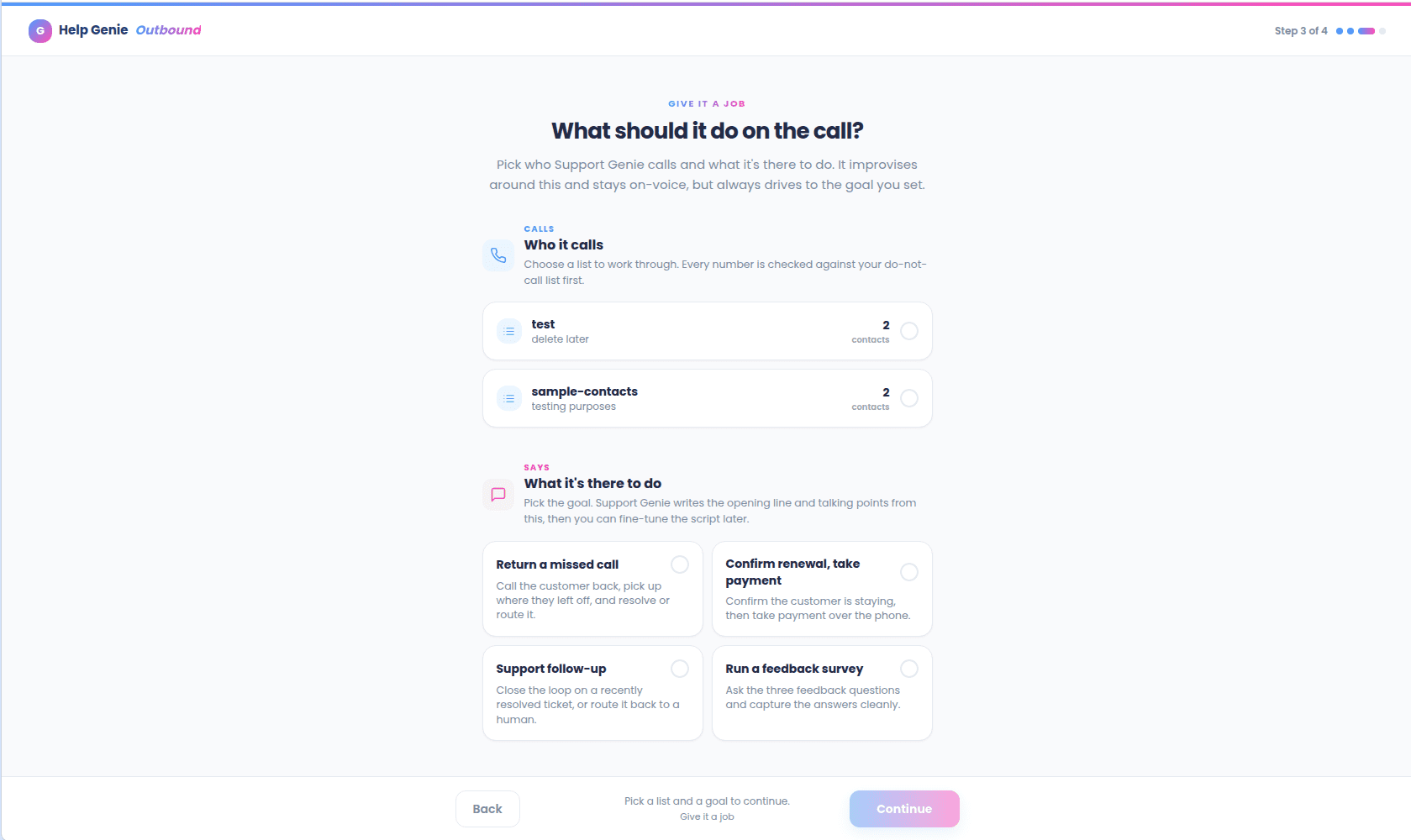
6
Watch it work
Watch calls happen live from the Calls tab.