

Everything else in Sync — the workspace-wide Capabilities and Data collection pages — is the same information, just viewed across every genie at once instead of one at a time.
Overview
A condensed view of the other three lifecycle tabs at a glance — a few items from Before, During, and After each, with a link into the full tab if there’s more than what’s shown. Use this as a quick “what does this genie actually have set up” check.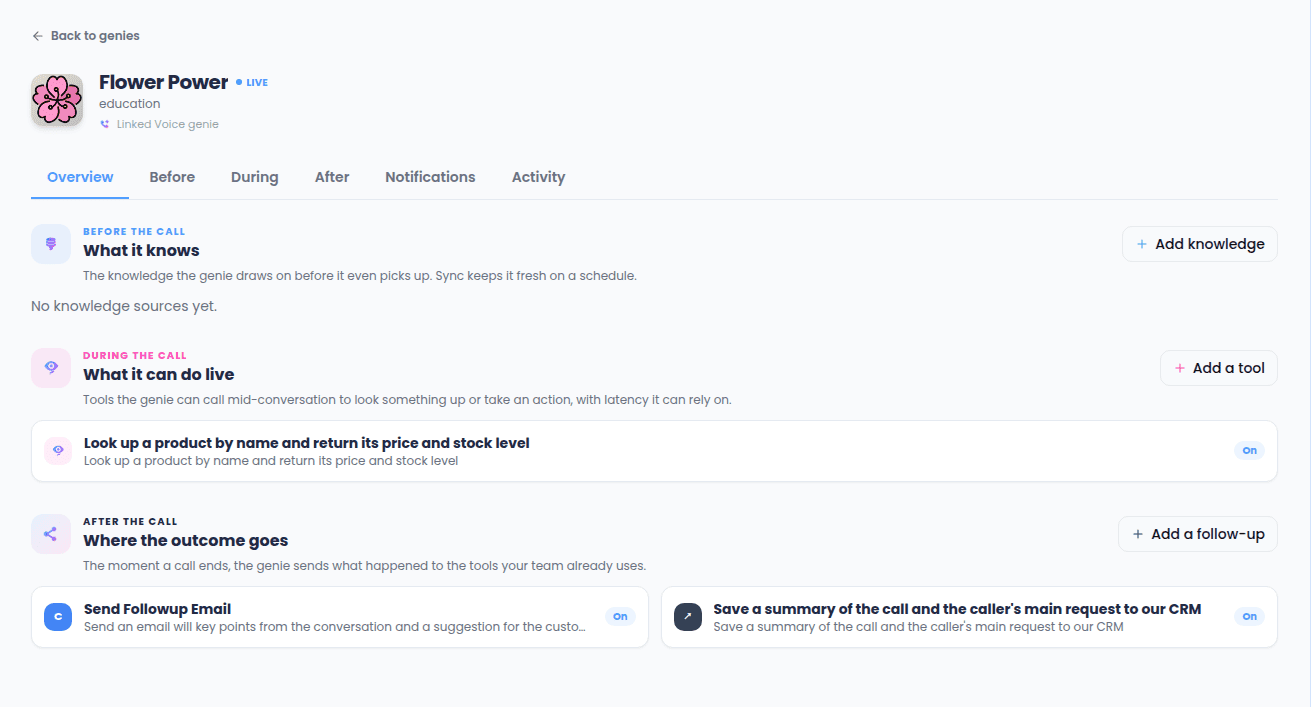
Before — “What it knows”
Everything that keeps this genie’s knowledge current:- Knowledge sources — the knowledge syncs feeding this genie, each with its status and an on/off toggle.
- Scheduled refreshes — named, scheduled jobs tied to this genie.
During — “What it can do live”
The capabilities this genie can call mid-conversation, each with an on/off toggle. A reminder banner on this tab calls out the 400-millisecond response budget live tools have to work within. From here you can either build a brand-new capability for this genie, or attach one that already exists (built for a different genie, or built generically) instead of starting from scratch.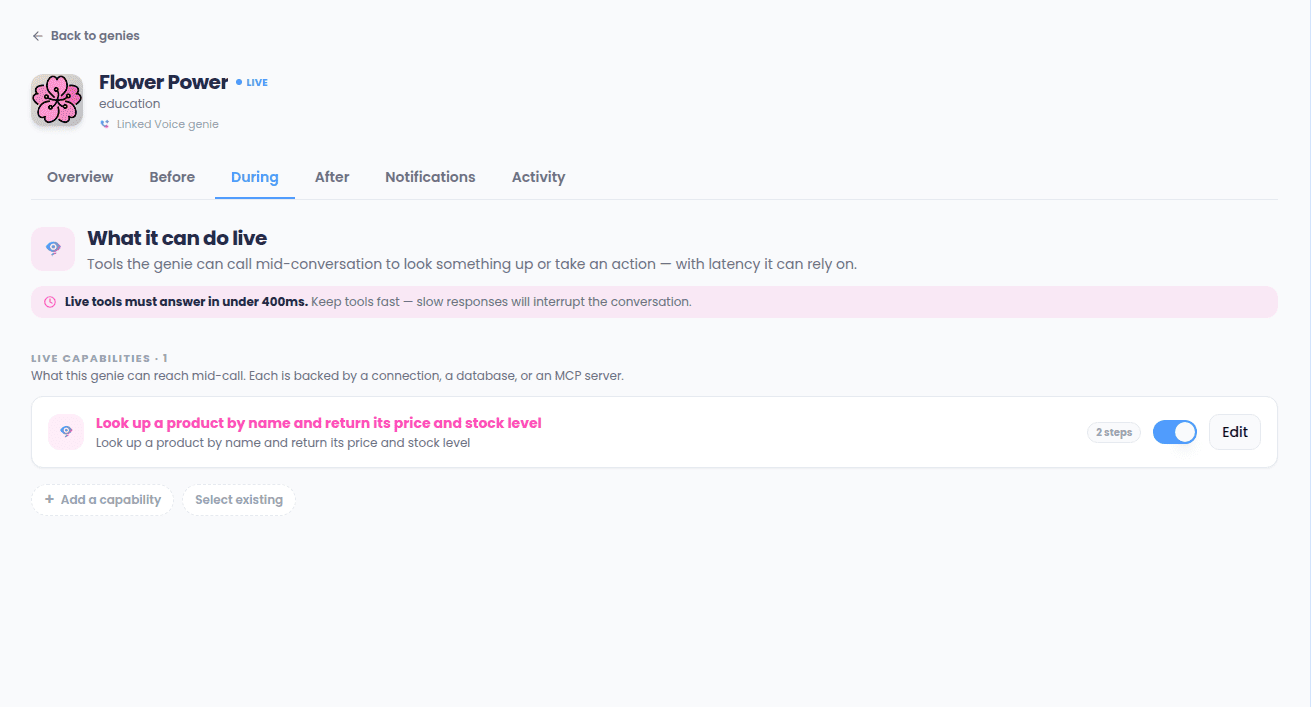
After — “Where the outcome goes”
The post-call actions that fire automatically once a call with this genie ends, each with its own on/off toggle. This tab also has a ready-made HTTP request starting point if your team wants to send the call outcome to your own system in your own way, instead of using one of the built-in action types.Notifications — “Notify me”
Turn on or off any of your account’s already-connected notification channels for this specific genie, and see a history of what’s been sent.Setting up a channel itself always happens on the account-wide Connections page — this tab only controls whether this genie uses it.