

Start a new email
Click Compose in the sidebar (or the round Compose button on mobile) to open the composer.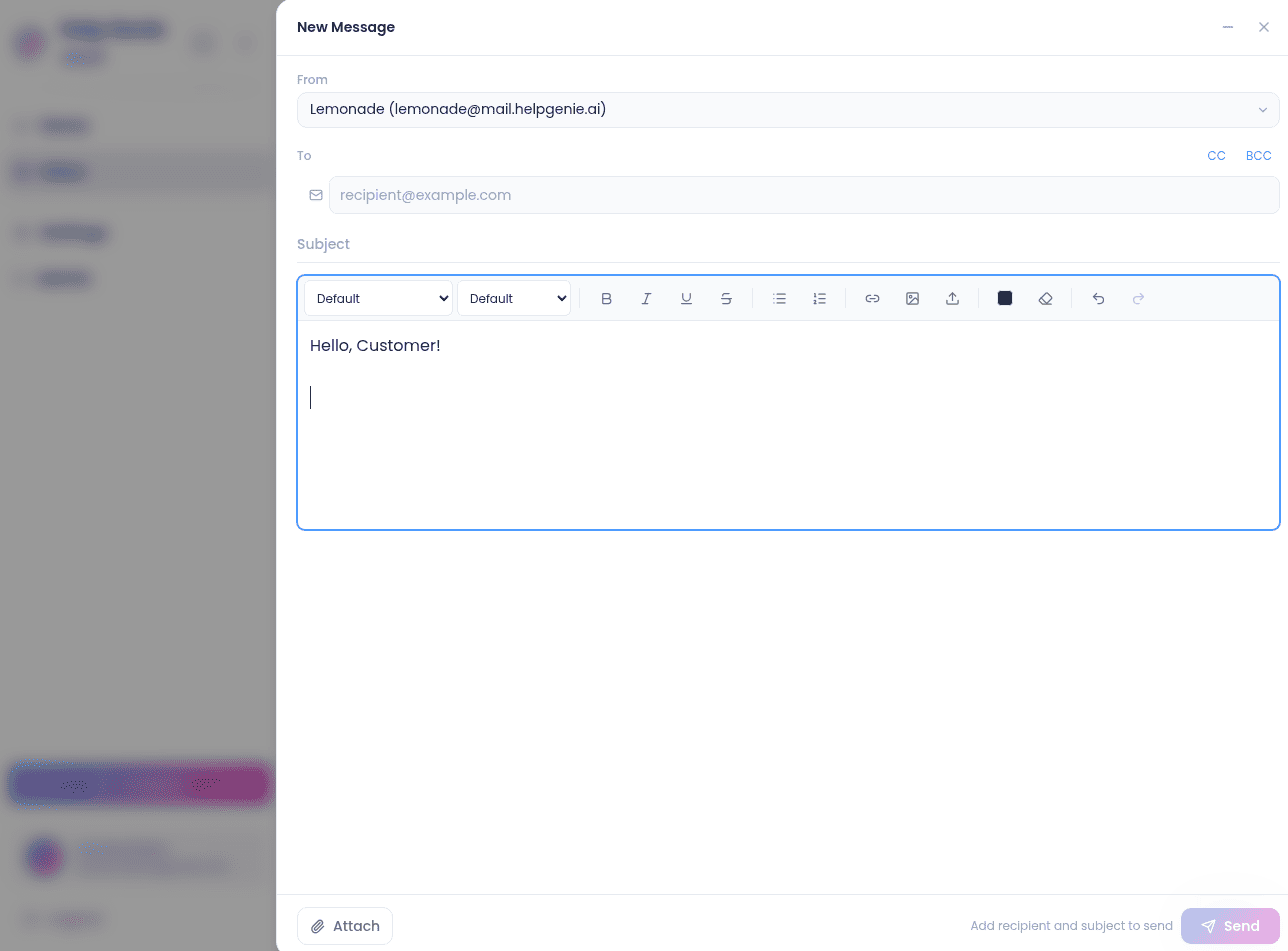
Forward from a thread
Open the thread, find the message you want to forward, and click Forward. A rich-text composer opens with the sending-account picker, a validated To field, and the quoted body already filled in.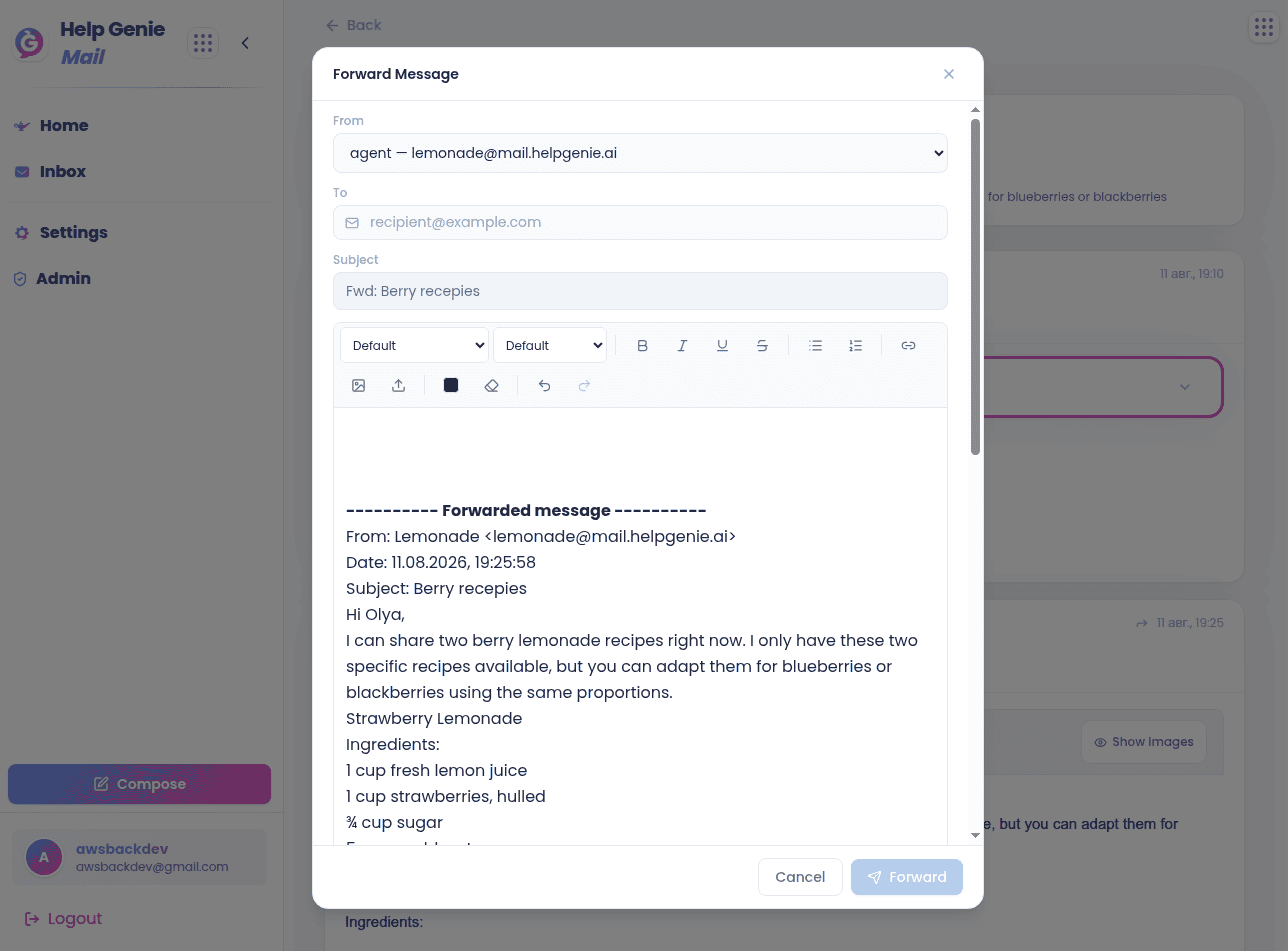
Approve a suggested reply
When a Genie has drafted a reply for a thread, an inline Suggested reply card appears on the thread page.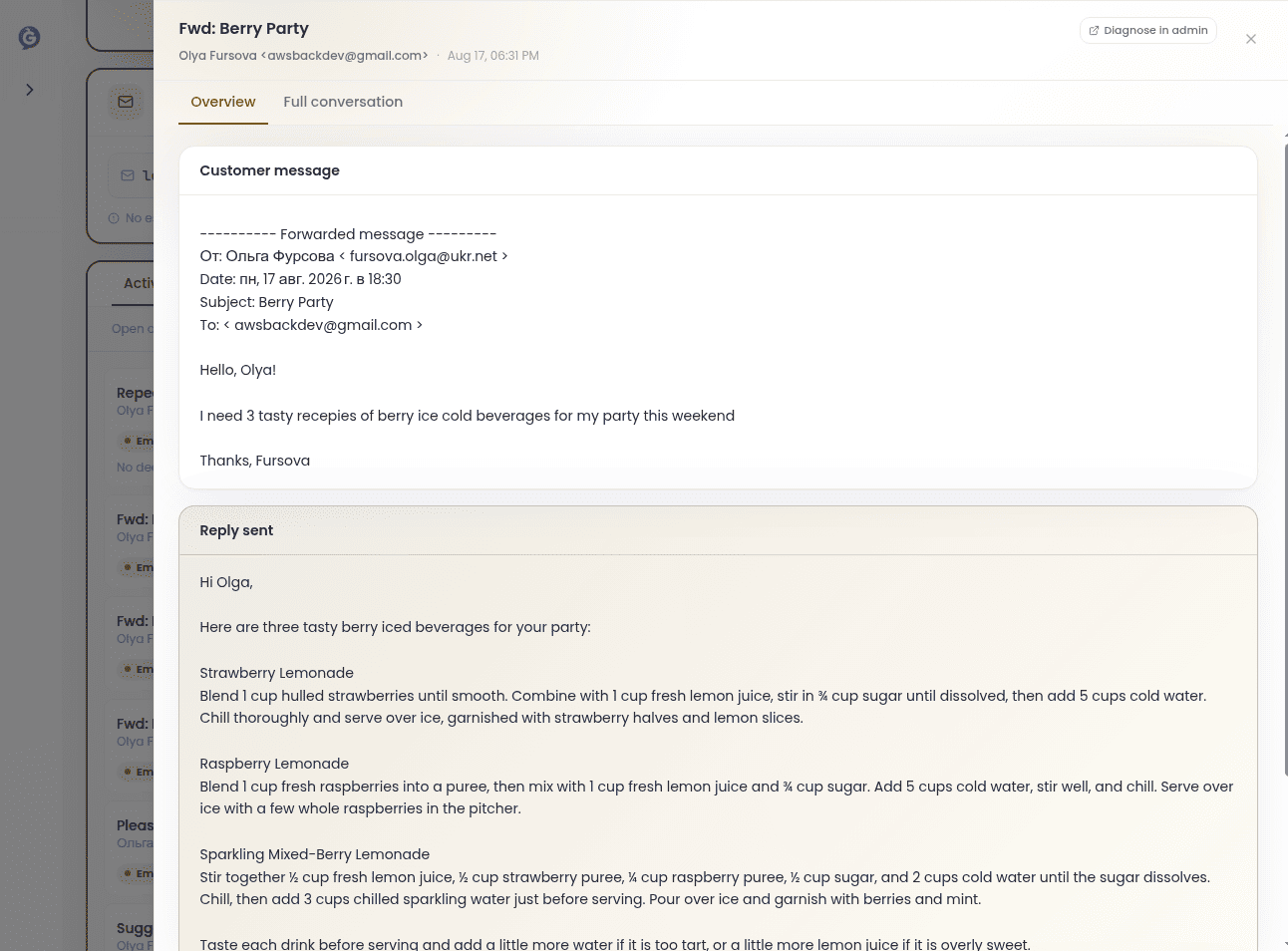
- Approve — send the draft as-is
- Edit — modify the body, then send
- Ignore — dismiss the suggestion
Sender identity
Each account can have its own display name and signature (plain text and HTML) set from Settings → Accounts.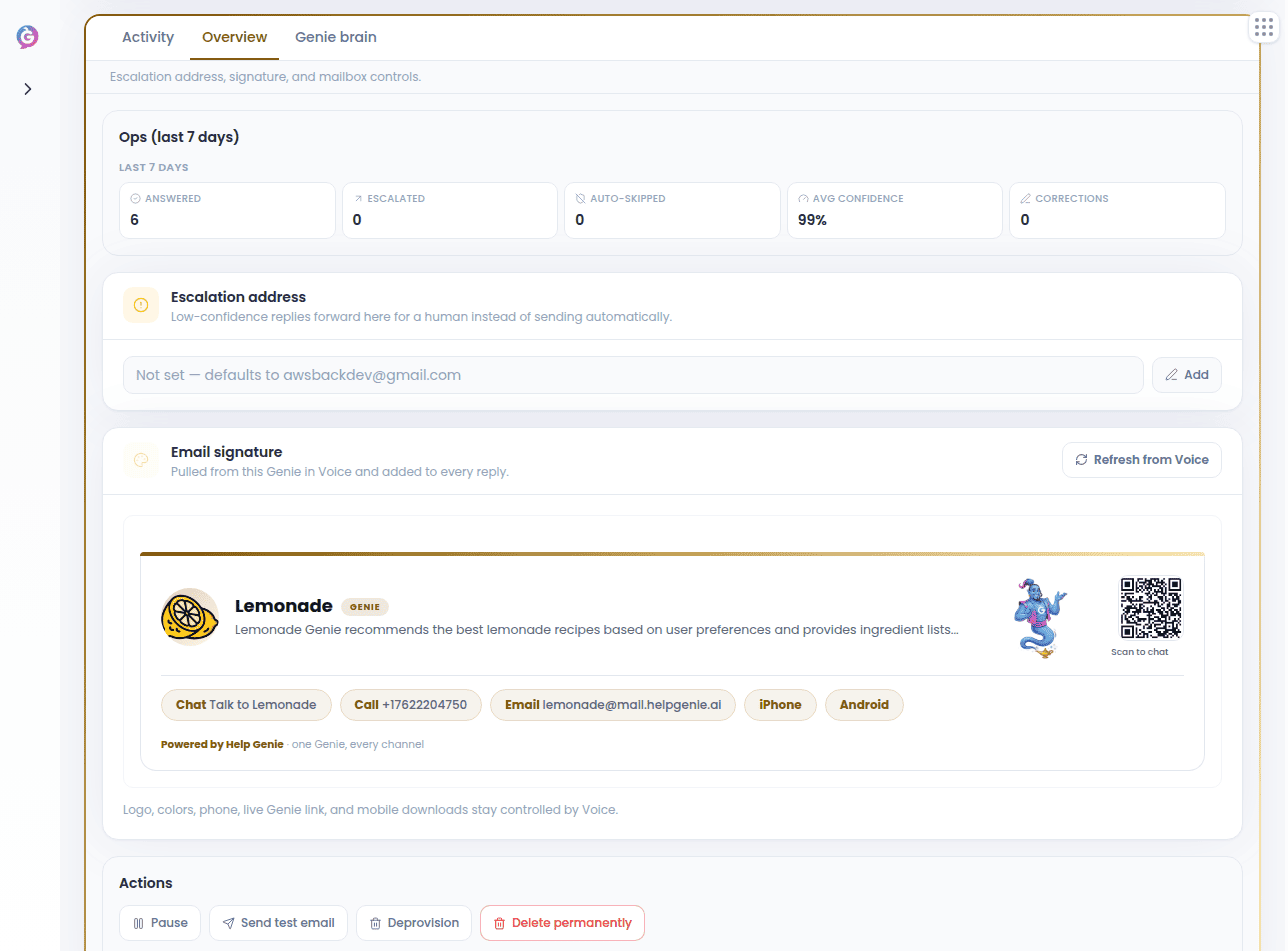
Signatures aren’t automatically added into the body when you write a new email or forward a thread yourself today.