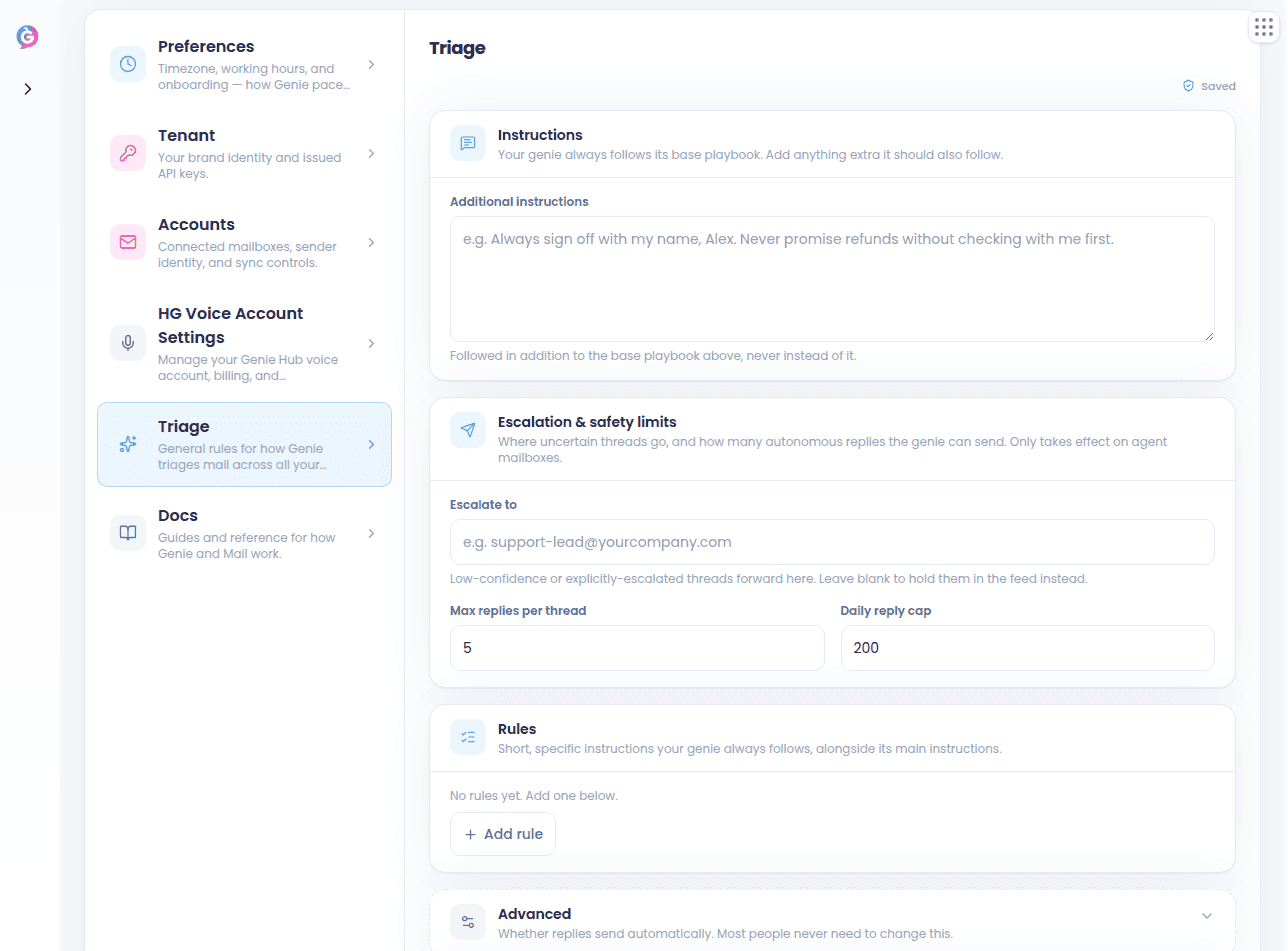
Where you see decisions
-
In the Inbox list, every thread row shows a status pill for what a Genie decided — Archived, Filed, Drafted reply, Reviewed, and so on. While a run is in flight you’ll see a live narration like “Thinking…”, “Archiving…”, “Filing → X”, or “Drafting reply…”.
- On a thread page, look for the one-line Genie reasoning strip above the acted message. Click it to see What Genie answered and Technical details — the questions it worked through and the pipeline behind the decision — and to reach Teach Genie and Run Genie without leaving the thread.
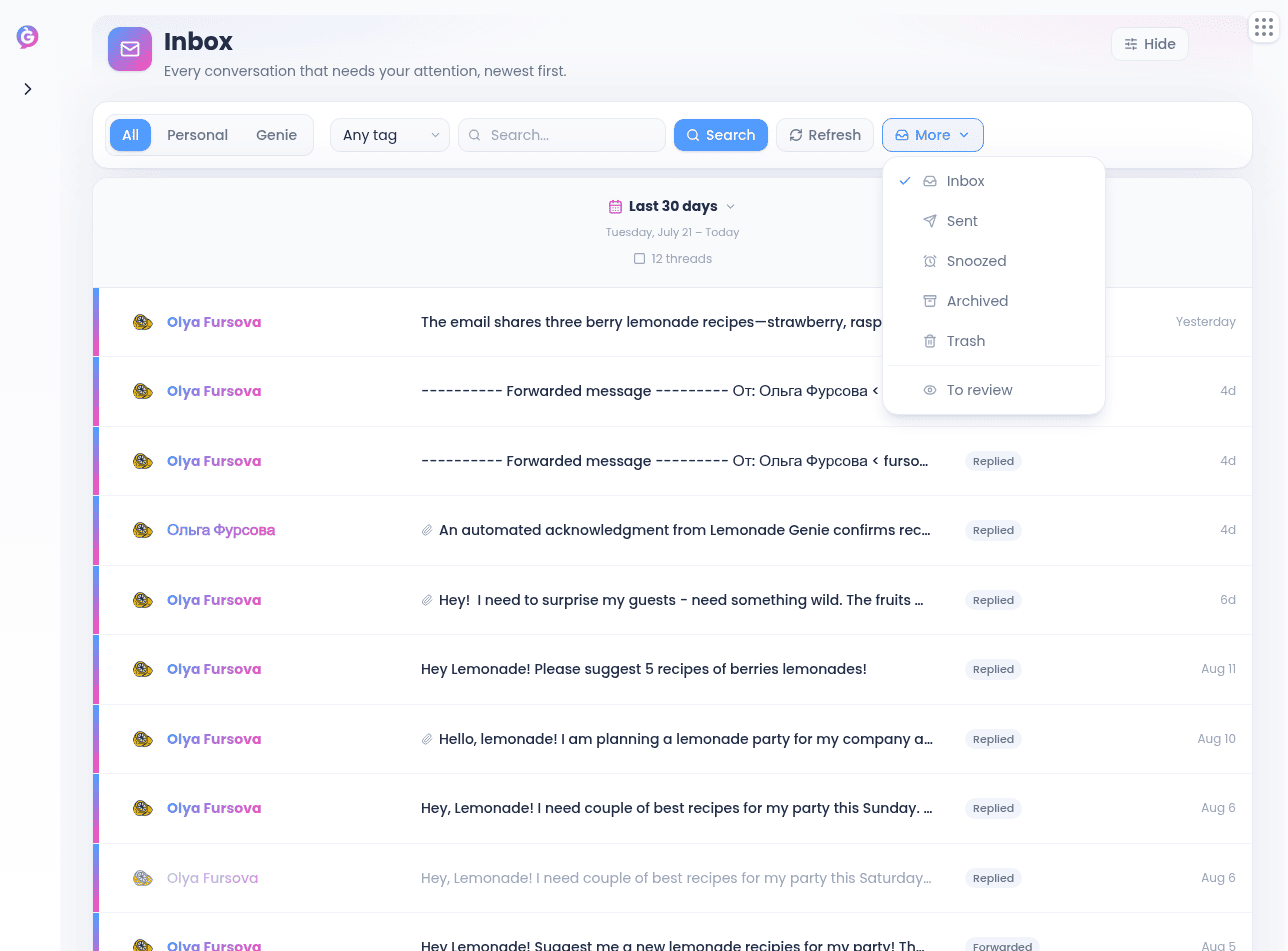
- In a mailbox’s Activity tab, click any row’s decision to open the full Decision Inspector — a “what did the Genie do and why” read-out. Overview shows the customer’s message, the reply that was prepared or sent, and a plain-language What happened summary; Full conversation shows the whole thread. If the decision is still waiting on you, you can approve or reject it right there. See Genies Home & Mailbox Detail.
- If an email has no decision yet — a Genie is still retrying, or the run failed before it reached a decision — that row has no inspector to open. Click Show processing details on it instead to see each step the Genie recorded for that email so far, including any connection attempts that failed and which service was at fault when that’s known. There’s a refresh button to re-read it as the Genie retries.
What a Genie reads
A Genie mailbox always answers as the Genie it was linked to when it was created, even if your general triage settings name a different one. A Genie doesn’t only read the email text. On the most recent incoming message it also looks at attachments:- Images — PNG, JPEG, GIF, and WebP files are shown to the Genie directly.
- Documents — PDF, plain text, CSV, TSV, and Word (
.docx) files have their text pulled out and included.
If an attachment is too large or can’t be read, that’s noted in the decision’s processing record — so you can tell when a Genie answered without seeing a file.
Follow-up requests from Help Genie Voice
When the email is one of Help Genie Voice’s own “please follow up” escalations, it only quotes a short excerpt of the customer conversation. A Genie recognises the conversation reference in those emails and pulls the full conversation — summary, topics, and transcript — from your Voice Genie before deciding, so it answers on what the customer actually said rather than on the excerpt alone.If the conversation can’t be fetched, the Genie simply works from the email as written.
Files and pages a Genie can send
A Genie mailbox can answer with more than words. When a Genie judges that a document, form, picture, or a page to visit would serve the customer better than a written answer alone, it looks through its own Resources and knowledge base for something that fits and sends it with the reply:- Files — images, PDFs, text, and Office documents — go out as attachments. A single file has to be 5 MB or smaller, and all the attachments on one reply 10 MB together.
- Pages are written into the reply as links. A file that’s too big to attach becomes a link instead, when it has a permanent address.
If a file can’t be fetched at the moment the reply is sent, the reply still goes — and the decision’s processing record names the file that was left out.
When a Genie escalates to you
If a Genie mailbox decides an email needs a person, it forwards the thread to that mailbox’s escalation address. At the same time, it replies to the customer on the thread, so the sender isn’t left in silence while the escalation sits in your inbox. What the customer gets depends on how much the Genie could answer:- If it could answer part of the email, the customer gets that real, partial answer — written like any normal reply — along with a note that someone from your team will personally follow up on the rest. Any files or pages the Genie found for that answer go out with it. A Genie won’t bury a gap inside a vague “a team member will be in touch” reply and leave it there: if any part of a multi-part question isn’t covered, the whole thread escalates to you.
- If it couldn’t answer anything, the customer gets a short holding reply instead — two or three sentences acknowledging their message, with no promise about who will follow up or when.
The handoff note you receive
The email that lands in your inbox is a handoff note written for you, not for the customer: what they asked, what was already answered and sent to them, and exactly what’s still open and why.On escalations a Genie decided on before it ever drafted a reply, you’ll see its reasoning instead of a handoff note.
The customer reply is on by default and there’s no switch for it in the brain editors. If a mailbox needs forwards to stay silent to the customer, ask support to turn the customer reply off for that mailbox — your handoff note still tells you what the Genie was able to answer.
Test mode
If a Genie mailbox is in test mode, its escalations go to Help Genie support (support@helpgenie.ai) instead of your escalation address, so a mailbox you’re still testing never lands in the real owner’s inbox. Your escalation address isn’t changed — turning test mode back off resumes normal forwarding without you re-entering it. Customers still get the holding reply either way.
There’s no test-mode switch in Mail — ask support to turn test mode on or off for a mailbox.
When a Genie can’t back up a reply
A Genie mailbox also escalates when it wanted to reply but couldn’t back the reply up. If it decides an email deserves an answer but never gets the knowledge it needs — no Genie attached to that mailbox, no working connection to it, the lookup fails or times out, or it went to reply without actually looking anything up — it forwards the thread to you instead of sending the customer an empty, generic reply. The thread row shows Forwarded rather than Replied, and the reasoning on that decision says it couldn’t ground a reply. The customer still gets the short holding reply. Before that happens, a Genie gives a temporary problem a chance to clear. If the lookup failed for a reason that usually fixes itself — a timeout, a brief outage, a dropped connection — the email isn’t escalated straight away. It stays unprocessed with no decision on the thread, and Help Genie retries it automatically for the first 30 minutes after it arrived. Only a failure after that window escalates the thread to you. While an email is still being retried, Show processing details on its Activity row is where you can watch what’s been tried.A problem that won’t clear on its own, like a rejected connection to your Voice Genie, escalates on the first try rather than waiting out the retry window.
Threads with no inbound message
One thing a Genie won’t do is act on a thread where nothing has come in yet. If a Genie mailbox sent the first message and the customer hasn’t replied, that thread gets no Genie decision — it waits for a real inbound message.Mailboxes that only listen
A Genie mailbox can be set up to watch your mail instead of answering it. You forward your own support inbox to the address Help Genie gives you, and the Genie reads along with your team without ever emailing anyone. For each forwarded email it works out who the actual customer is — the person who wrote in, not your inbox that forwarded the message — and which of your inboxes it came through. Then it tells you whether someone needs to act, how urgent it is, what kind of email it is (billing, order status, a complaint, and so on), and gives you a short summary to scan. When an email needs a person, the Genie always drafts a reply for you — but only as a suggestion. It waits for you in the Suggested reply card, and a listening mailbox never sends it on its own. The draft uses what your Genie knows first and general know-how for the rest. Anything only your business knows that the Genie couldn’t confirm — a price, a refund amount, an order detail — is left in [square brackets] for you to fill in, and Help Genie tells you what to teach your Genie so later drafts need less editing. In the mailbox’s Activity, each email carries a label for where it stands:- Needs a reply (or Urgent: needs a reply) — still waiting on you.
- No action needed — nothing left to do.
- Handled — your team already dealt with it.
If your team answers from its own inbox instead and marks the email handled in Help Genie, the email shows as Handled by your team in Mail.
support@helpgenie.ai, which often land in the same inbox you forward from — are recognised and skipped, so a listening mailbox never turns a Help Genie notification into another notification.
Test emails sent to a mailbox are still read normally: they’re attributed to the person they were sent on behalf of, not to Help Genie.
When you first point Gmail at a listening address, Gmail sends a confirmation code to it. The Genie recognises that email, pulls out the code and link, and passes them to you so you can confirm the forward yourself — it never clicks the confirmation link for you.
There’s no switch for this in Mail: a mailbox is set up as a listening mailbox when it’s created in Help Genie Voice.
Suggested replies
When a Genie has drafted a reply for a thread, you’ll see a Suggested reply card on the thread page.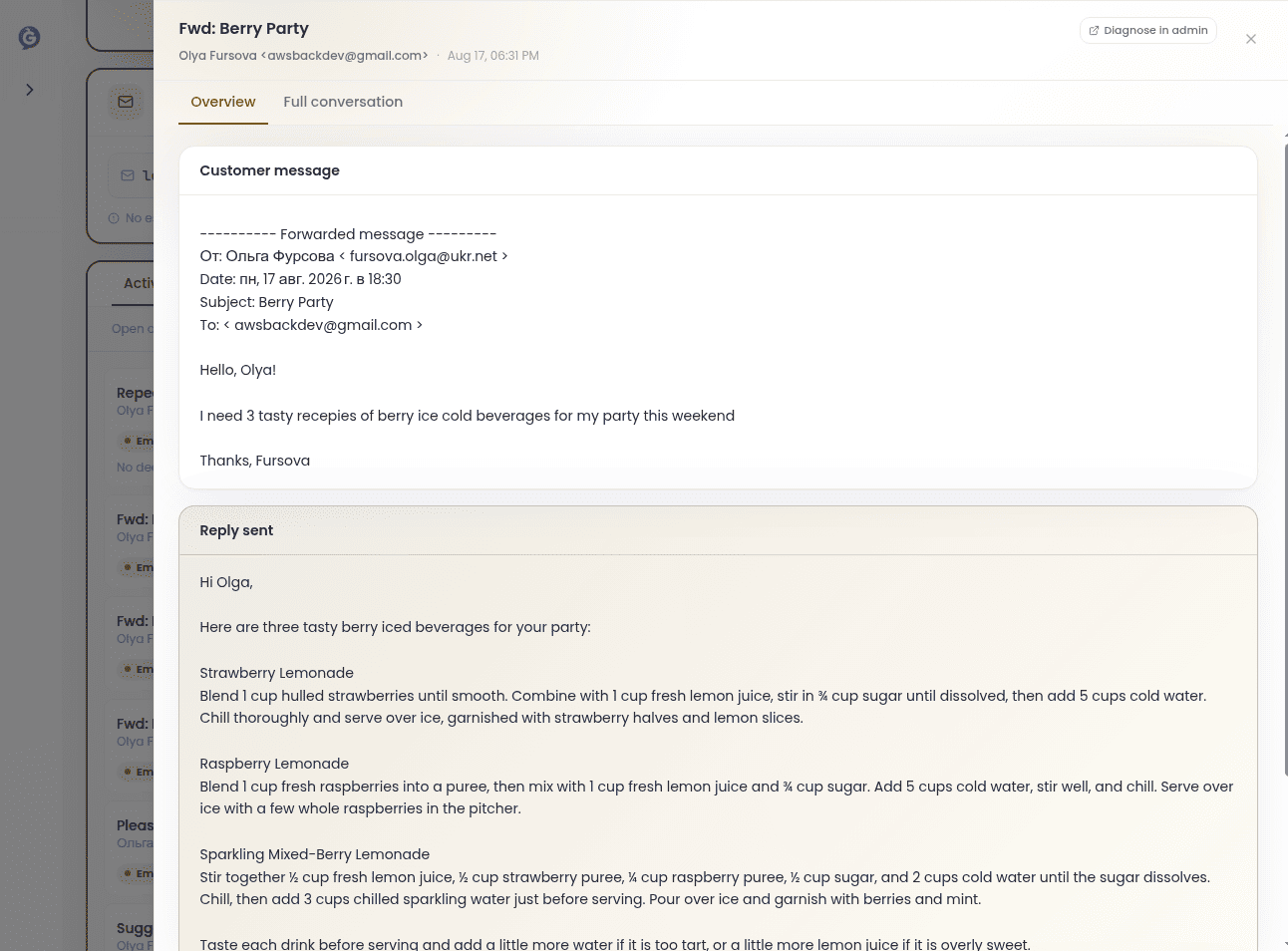
- Approve sends it as-is
- Edit lets you tweak the body first
- Ignore dismisses the suggestion
Shaping how a Genie behaves — the “brain”
There are two brain editors, and they use the same panel:- Settings → Triage — the general rules your Genie applies to your personal mail.
- Mailbox detail → Genie brain — the rules for one provisioned Genie mailbox.