

Getting here
You’ll usually land here from a specific email: the Teach [Genie name] link inside an expanded Genie reasoning strip on a thread, or the Teach-sender action in the Inbox. You can also go straight to the Teach Genie page on its own.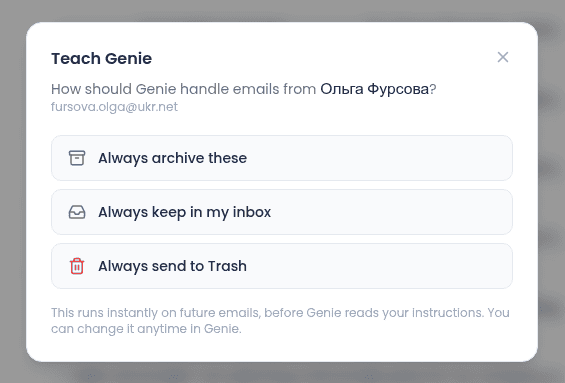
Making the correction
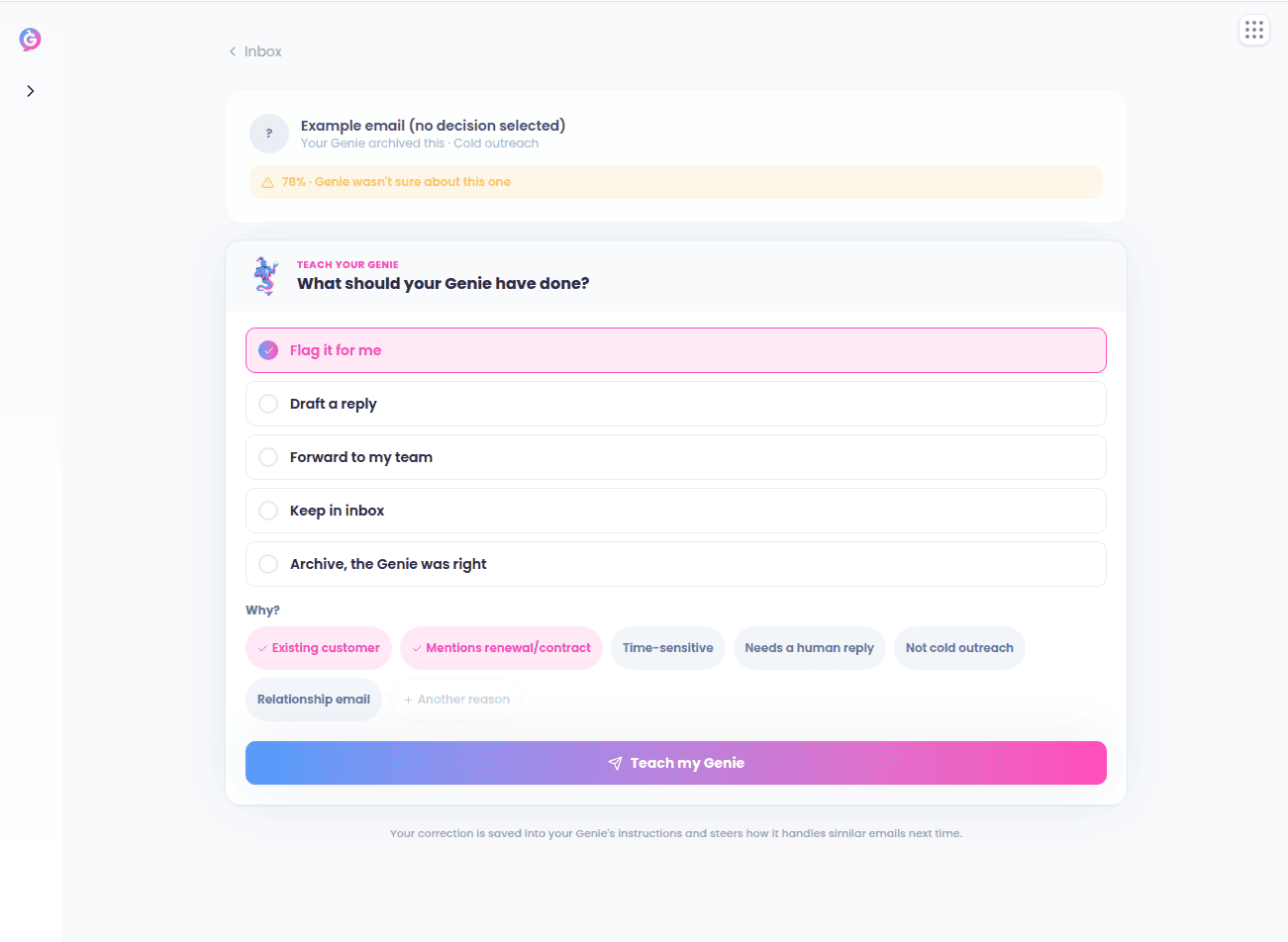
What should your Genie have done? — pick one:- Flag it for me
- Draft a reply
- Forward to my team
- Keep in inbox
- Archive, the Genie was right — use this when the original action was actually correct.
After you submit
A confirmation screen spells out exactly what was learned — for example “When [signals] → [action]” — with links to Edit in triage settings or Back to inbox.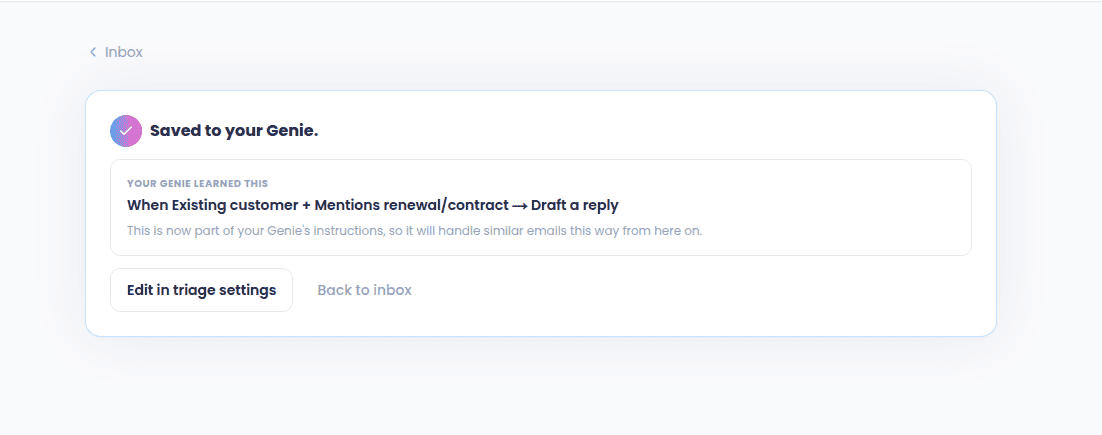
See also
- Genie Decisions & the Brain — where else decisions and suggested replies show up.
- Settings — edit a Genie’s instructions directly instead of through a correction.