Reading and filtering
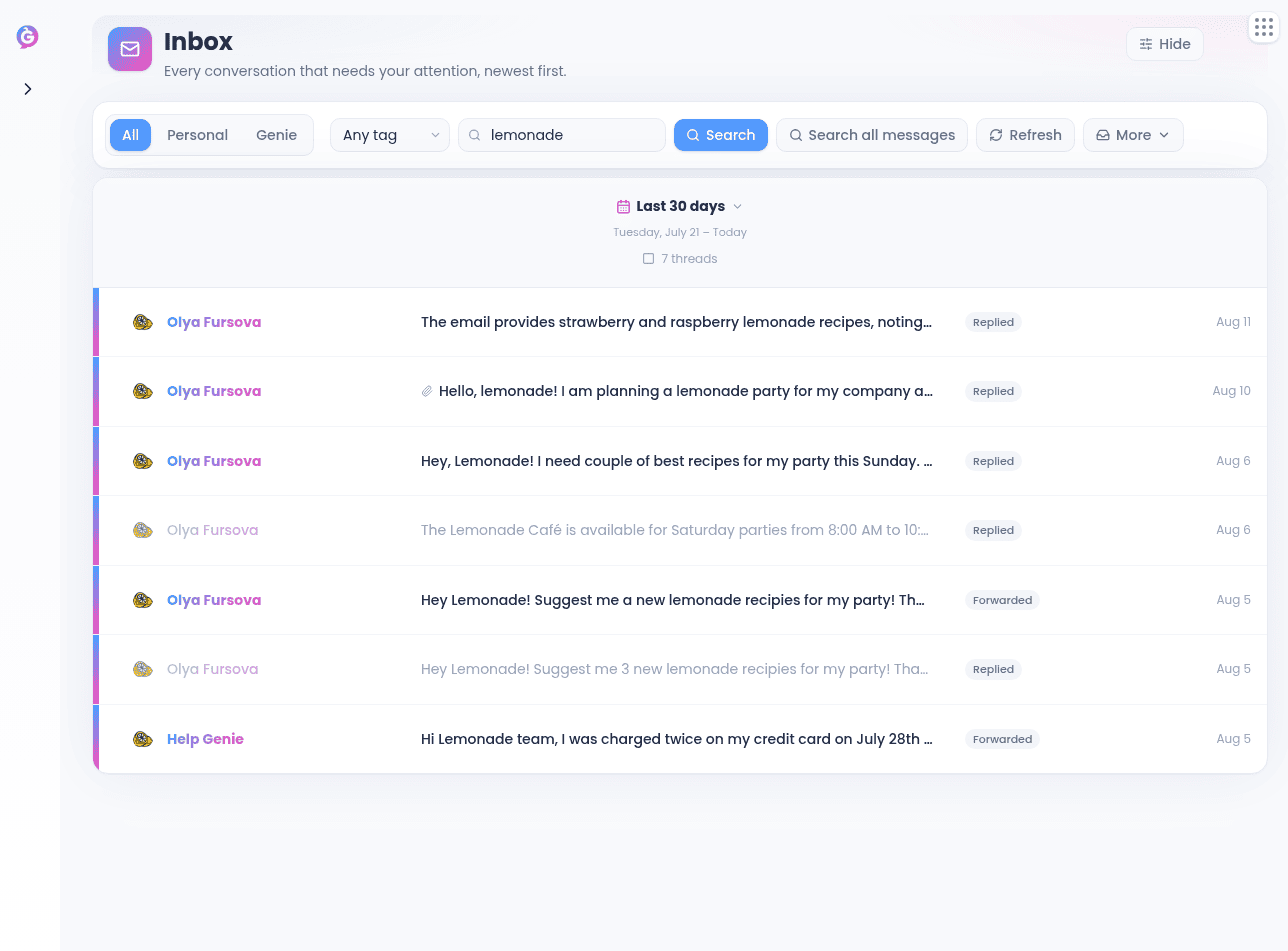
Open Inbox from the sidebar. Click Filters in the header to show or hide the filter panel — a small amber dot on the toggle appears whenever a filter is active, so you always know when the list is narrowed.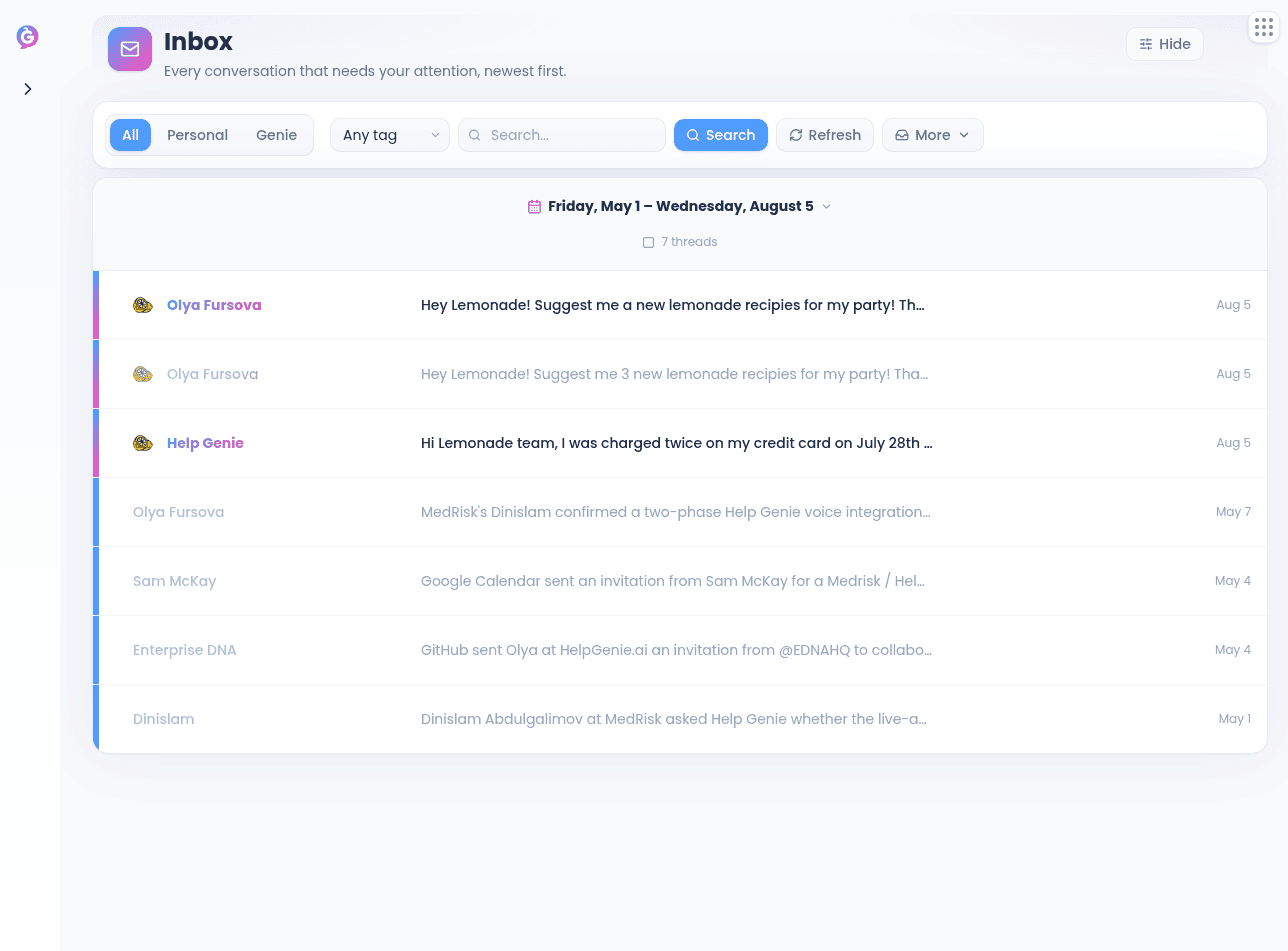
- Pick a mailbox type — All, Personal, or Genie
- Choose one or more accounts, a tag, or type a search term
- Click the date label to pick a preset (Today, Yesterday, Last 7 days, Last 30 days), a single day, a custom range, or All time. You start on the last 30 days; once you’re on a single day, Earlier and Later step you one day at a time
- Open the More dropdown to switch between the five state views — Inbox, Sent, Snoozed, Archived, Trash. Only one applies at a time, and the button takes on the name of the view you’re in
- In that same dropdown, toggle To review to focus on threads where a Genie has drafted a reply for you — it works in any view, and a badge shows how many are waiting
Acting on a thread
Hover a row to see the actions that apply to the state you’re in:- Inbox — teach the sender, delete, or archive
- Trash — restore
- Archived — move back to Inbox
- Snoozed — unsnooze
Cleanup shows up when a personal mailbox is in scope and pulls in threads that fell out of sync with Gmail or Outlook. Empty Trash clears the Trash view after a confirmation.
Reading a conversation
Open a thread to see the full conversation, newest to oldest, with a timeline overview above the messages. Every message can be expanded or collapsed individually, and there’s an Expand all / Collapse earlier bar. HTML messages render safely; plain-text is used as a fallback. Attachments appear as chips you can click to download.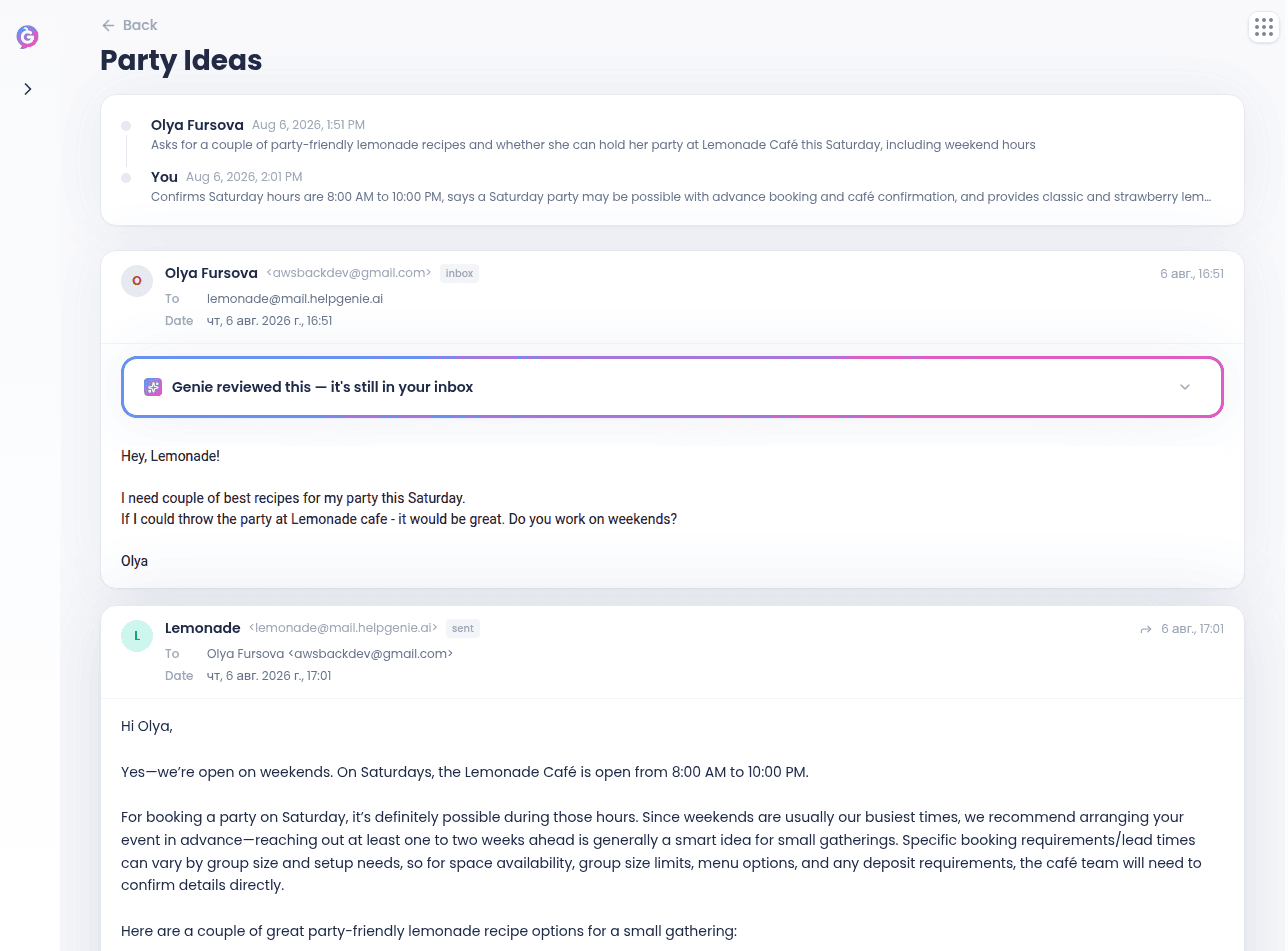
Search
Open Search from the command palette (⌘K), or from the Search all messages link that appears next to the Inbox search box as soon as you type something there. Type a query and, if you like, narrow by From, To, or Account. Results paginate; click one to open the thread.