

- Mail hands your support inbox to your Genie, so routine email gets answered without you touching it.
- Outbound hands your outgoing calls to your Genie, so follow-ups and campaigns get made without you dialing.
- Sync keeps your Genie current and connected to the rest of your business — fresh knowledge before a call, live lookups during one, and automatic follow-up actions after.
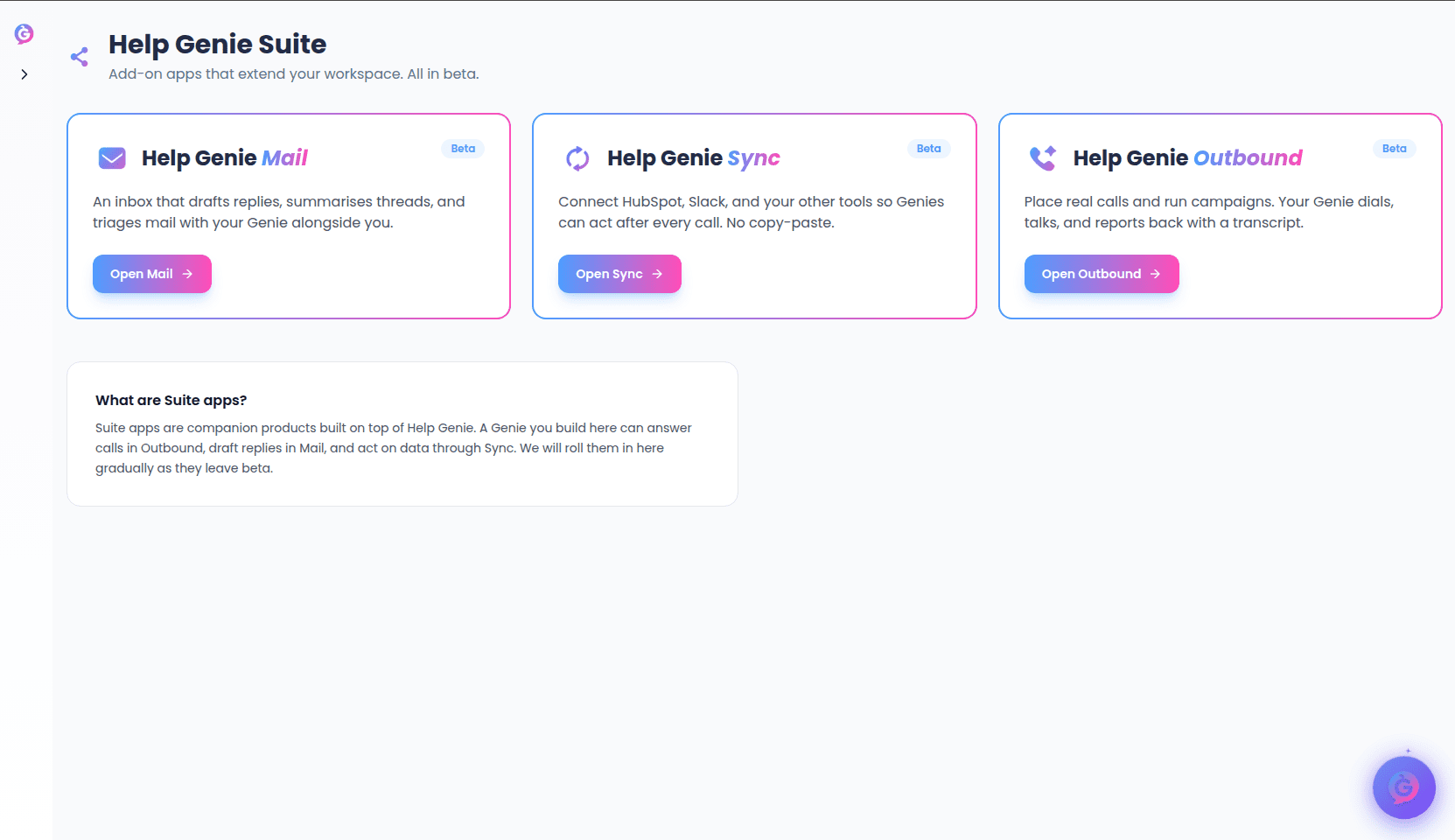
How to reach each app
There are two ways in:- From Genie Hub — go to Genie Hub → Suite for all three at a glance, or Genie Hub → Channels → Mail / Sync / Outbound for one directly. Either way you’re handed off already signed in — no separate login. The first time you open an app this way you get a short walkthrough of what it does; use Skip intro and open <App> to go straight in, and later visits skip the walkthrough automatically.
- Directly on the app’s own site — each app also has its own login page you can go to on its own (bookmark it, or sign in there directly rather than through Voice):
- Mail:
email.helpgenie.ai - Sync:
sync.helpgenie.ai - Outbound:
outbound.helpgenie.ai
- Mail:
Outbound
Help Genie Outbound lets a Genie place real phone calls and run a calling campaign end to end. Point it at a contact list and it dials, holds a real conversation, adapts to what it hears, and reports back with a transcript, a recommended next step, and the contact’s record updated in your CRM. Outbound is for support outreach and follow-up — a check-in after a ticket, an appointment confirmation, a callback — not cold sales prospecting; every call assumes an existing relationship with the contact. Learn more: the full Outbound guide covers getting started and running campaigns.Sync
Help Genie Sync is what keeps a Genie sharp, organized around the life of a call:- Before the call — keeps the Genie’s knowledge fresh automatically (pricing, policies, catalog) so it’s never caught quoting outdated information.
- During the call — lets the Genie look something up live when memory alone isn’t enough, like an order status, and answer with the real answer instead of a guess.
- After the call — triggers the follow-up work the moment a call ends: a CRM note, a Slack message, a calendar booking, a recap email, so nothing falls through the cracks.