

- Online meetings — it joins Google Meet, Zoom and Microsoft Teams meetings as a notetaker, either from a link you paste or straight from your calendar. See Meetings & calendar.
- Phone calls — calls to its phone number ring your team as usual, and it records and summarizes each one, voicemails included. See Phone & email listening.
- Support email — forward your support inbox to it and it reads every email, flags what needs a reply and drafts one. See Phone & email listening.
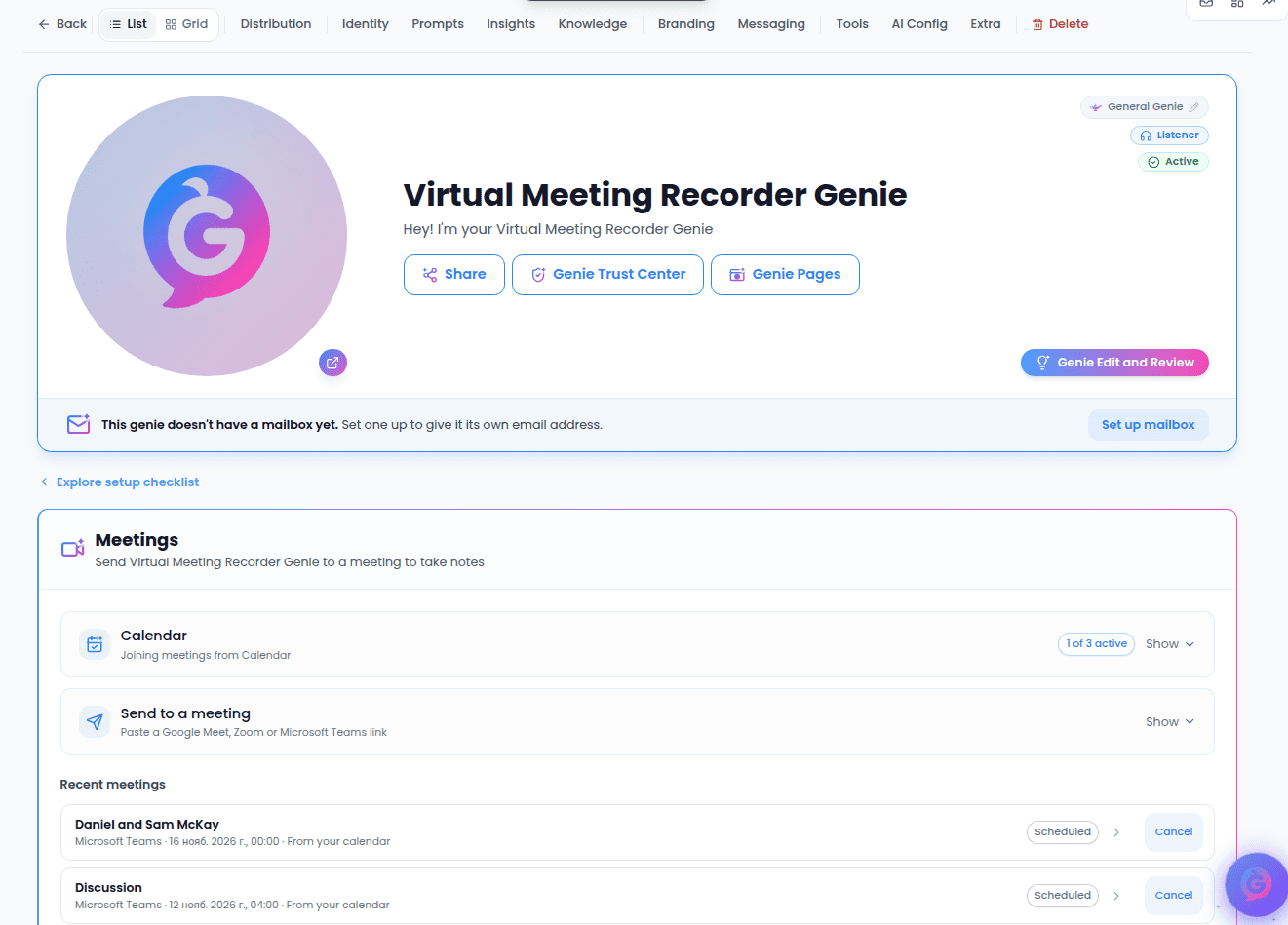
The Listener Genie page
Open the Genie from My Genies (it carries a Listener badge). Because it doesn’t speak, its page skips the voice, prompts and conversation settings and shows only what a listener needs:- Meetings — send it to a meeting, connect your calendar, and open the notes of past meetings.
- Distribution — Phone Listening, where you set up its number and choose which phones ring.
- Identity, Insights and Knowledge — what it is, which details it picks up, and what it knows. Its knowledge is used to draft replies to calls and emails.
- Email Listening — the forwarding address for your support inbox.
- Listening Alerts — who hears about urgent calls and emails, and when. See Listening alerts.
- Usage — the meeting minutes used this month.